
LENNOX S40 Smart Thermostat User Guide





• Selecting Sensor Settings will allow the homeowner to include or exclude
a specific Smart Room Sensor from temperature averaging. Listed in this
section are Sensor name, Sensor type and About Sensor. Selecting
Sensor Name will allow renaming of the sensor, if desired.
Verify that the sensor is not in direct sunlight, discharge vents, unconditioned
space or any other types of environmental conditions that could affect the
Smart Room Sensor temperature reading.
NOTE: If the Smart Room Sensor is in a suitable location and the actual
room temperature does not match what the sensor is reporting, then
the Smart Room Sensor may need to be replaced.
Room Averaging using Occupancy Detection
Lennox Wireless Extender
The following two features can be set using either the thermostat or Lennox
Home app using the system setting screen.
Adding and Removing the Lennox Wireless Extender
From the Home screen, go to Menu > Settings > Current Temperature.
Back
TV Room
System Settings
Current Temperature
Please refer to the Smart Room Sensor Setup and Installation guide for
information on the devices, placement and pairing using the Lennox Home
App to the S40 Smart Thermostat.
System Info
TV Room
Settings
Wi-Fi
Off
Feels Like
Away
Participating Sensors in Temperature Averaging Based on Occupancy
Current Temperature
Fan
Thermostat
Laura’s Room
TV Room
Off
On
On
View and Understanding the Wireless Extender Detail Screen
Heat/Cool
Humidity
iHarmony Zoning
Notifications
From the thermostat’s Home screen, select the My Home option. Then
select the wireless extender icon. This will display the details for that wireless
extender.
Peak Monitoring
Ventilation
Devices
TSTAT
Wireless Signal strength indicators are illustrated as follows:
Battery Sensor
Light Switch
Figure 23. Occupancy Settings for Temperature Averaging
Occupancy Sensor Setting
The occupancy detection feature is built into every sensor. The settings are
as follows:
• OFF - When the occupancy feature is turned OFF, the thermostat will
always include the sensor in temperature averaging.
• ON - When the occupancy feature is turned ON, the thermostat will only
include the sensor in temperature averaging if the room is occupied.
Figure 24. Wireless Extender Signal Strength Indicators
Sensor Temperature Difference Limit
This feature for temperature averaging limits how much of a difference in
temperature readings there can be by comparing any Smart Room Sensor
detected temperature to the Lennox® S40 Smart Thermostat detected
temperature. By default, if the Smart Room Sensor temperature reading
difference is less or greater than 7ºF, it will be excluded from participating in
temperature averaging.
The message “Device is not participating as temperature readings are
abnormally high/low” will appear at the bottom of the Smart Room Sensor
Detail screen.
39

| General | Details |
|---|---|
| Name | LENNOX S40 Smart Thermostat User Guide |
| Make | Lennox |
| Language | English |
| Filetype | PDF (Download) |
| File size | 1.3 MB |
 (1 votes, average: 5.00 out of 5)
 Loading...

LENNOX L40 Smart Thermostat Owner’s Manual

LENNOX EL18KCV Smart Wi-Fi Communicating Thermostat User Manual


White Rodgers BP150 Line Voltage Programmable Thermostat User Guide
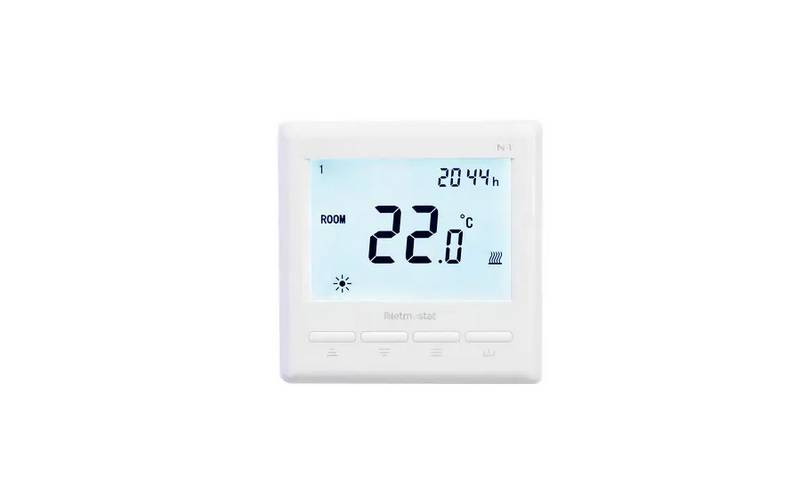
Netmostat N-1 Smart Wifi Programmable Thermostat User Manual

Honeywell Communicating Fan Coil Thermostat Instruction Manual

GENERAL LIFE HT25S RF Wireless Room Thermostat User Manual

Honeywell CM907 Programmable Room Thermostat User Guide
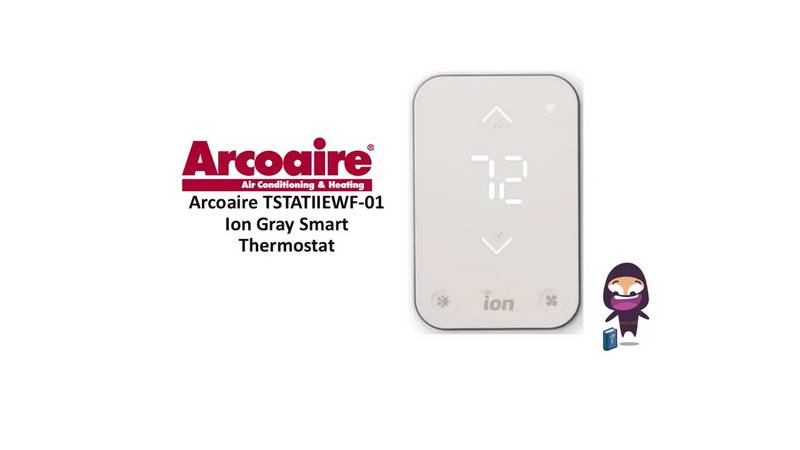
Arcoaire TSTATIIEWF-01 Ion Gray Smart Thermostat Owner’s Manual

Vine TJ-560 Smart Thermostat User Manual
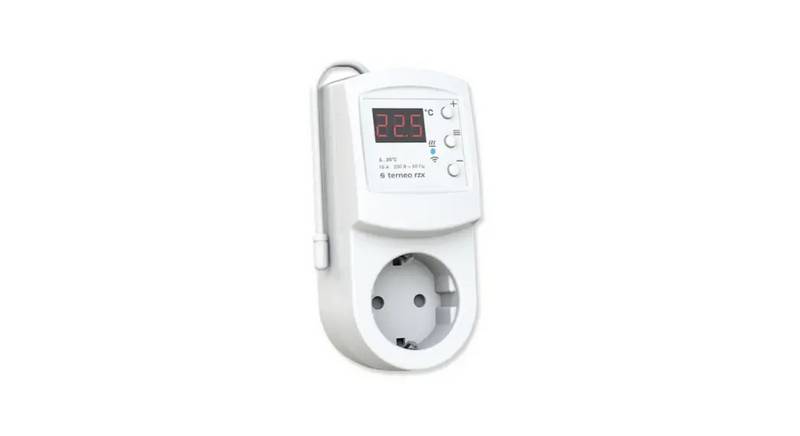
terneo rzx Smart Thermostat User Manual

Honeywell Home DT4 Wired Room Thermostat Installation Guide

GENERAL LIFE MITRA-261S Smart Room Thermostat User Manual