
Home > Commercial Electric > Commercial Electric HTSA15CWB Smart Thermostat User Guide
Commercial Electric HTSA15CWB Smart Thermostat User Guide





Installation (continued)
Take a picture of the wires
4
connected to the terminals
of your old thermostat.
You may need to reference
this photo later on.
The smart thermostat is
designed for 24VAC with
a 0.7A maximum current.
Do not connect it to line
110 VAC
OR
120 VAC
OR
240 VAC
(high) voltage or millivolt
systems.
WARNING
HIGH VOLTAGE
L1 L2
NOTE:
□
Use the Wire Labels (G) included as each wire is removed
from the existing thermostat.
□
Remove any jumper wires (wires that connect to two
terminals), like Rh to Rc. Using the Wire Label (G) provided,
label each wire based on where it's connected to the
thermostat terminal - Not based on the color of the wire.
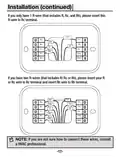
Check if your home has R, Rc, RH wires. If there is only RH
wire, connect RH wire to Rc terminal. If there are Rc wire
and R wire, R wire should connect to RH terminal.
□
-11-

| General | Details |
|---|---|
| Name | Commercial Electric HTSA15CWB Smart Thermostat User Guide |
| Make | Commercial Electric |
| Language | English |
| Filetype | PDF (Download) |
| File size | 1.81 MB |
 (1 votes, average: 5.00 out of 5)
 Loading...


Vine TJ-560 Smart Thermostat User Manual

Futurehome Co020, Co021 Smart Thermostat PR Owner’s Manual

BEOK TDR89 Wifi Heating Thermostat Instruction Manual

LEHNER VERSAND 01477 Easymaxx Digital Radiator Thermostat User Manual

BAXI uSense 2 Wired Smart Thermostat Installation Guide

homematic IP HmIP-eTRV-E Series Radiator Thermostat Evo Installation Guide

Drayton RF710 Digital Wireless Room Thermostat Installation Guide

LUX PSPH521 Series Programmable Heat Pump Thermostat Instruction Manual

Honeywell RTH8500 Wi-Fi Series Thermostat User Guide
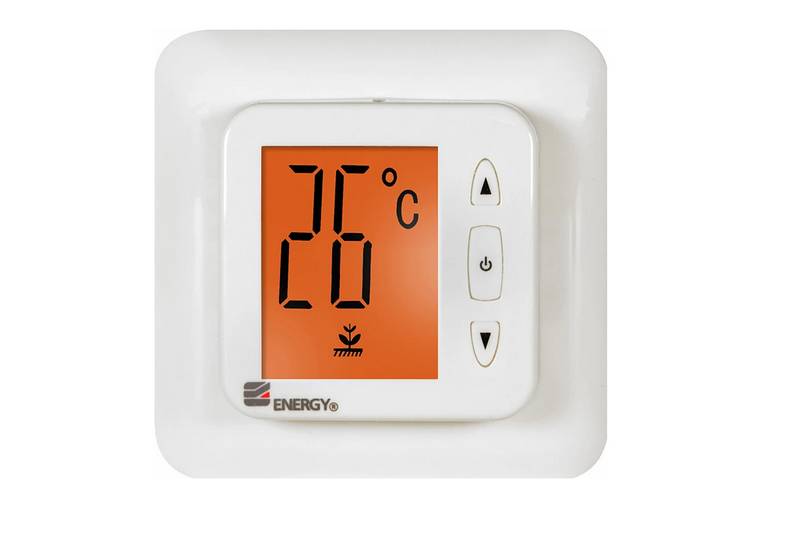
ENERGY TK02 Electronic Thermostat for Warm Floor User Manual