
STELPRO STE402NP Smart Electronic Thermostat User Guide








down the two buttons for more than 10 sec-
onds, until the icon displays (note that the
icon will also blink after 3 seconds);
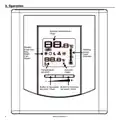
Heating power indicator
The level of power used to maintain the tempera-
ture at the set point is expressed as a percentage
indicated by the number of bars in the thermom-
eter displayed. The heating power used is dis-
played as follows:
3.Release the buttons. The thermostat is now
locked.
Deactivating the Security mode
1.Cut off the power supply of the thermostat at
the electrical panel;
0 bar = no heat
1 bar = 1% to 25%
2 bars = 25% to 50%
3 bars = 50% to 75%
4 bars = 75% to 100%
2
.
W
a
i
t
a
t
l
e
a
s
t
2
0
s
e
c
o
n
d
s
;
3.Restore the power supply of the thermostat at
the electrical panel;
Power failure
4.The
icon is blinking on the thermostat dis-
play, meaning that it is possible to unlock the
thermostat;
In the case of a power failure, the adjustments are
automatically saved and recovered when power
is restored. Note that the Day/Night mode is re-
covered only if the Smart mode was previously
deactivated. Otherwise, the thermostat comes
5.While the
press down the two buttons for more than 10
seconds, until the icon disappears;
icon is blinking, simultaneously
back in Day mode and the
icon blinks, mean-
6.Release the buttons. The thermostat is now
unlocked.
ing that the Smart mode was previously activated
and that it is now deactivated. Blinking will stop
as soon as a button is pressed down.
NOTE: If the thermostat isn’t unlocked within 5
minutes after the restoration of the power sup-
ply, the
icon will stop to blink and it will be
impossible to unlock the thermostat unless cut-
ting off the power supply again.
8
INSSTE402NP0711

| General | Details |
|---|---|
| Name | STELPRO STE402NP Smart Electronic Thermostat User Guide |
| Make | StelPro |
| Language | English |
| Filetype | PDF (Download) |
| File size | 0.28 MB |
 (1 votes, average: 5.00 out of 5)
 Loading...


STELPRO STF362NP Floor Heating Thermostat Owner’s Manual

STELPRO ST302P Programmable Electronic Thermostat Owner’s Manual

STELPRO SAT402ZB Smart Thermostat User Guide

STELPRO ST252NPFF Non-Programmable Electronic Thermostat Owner’s Manual

STELPRO ST402PFF Programmable Electronic Thermostat Owner’s Manual

STELPRO ASMC402 Maestro Zigbee Smart Programmable Thermostat User Guide

STELPRO SIBTE12C Electronic Thermostat Owner’s Manual

STELPRO STZW402+ Electronic Thermostat for The Smart Home Owner’s Manual

STELPRO SIBTE13F Electronic Thermostat User Guide

STELPRO STCP MULTIPLE PROGRAMMING ELECTRONIC THERMOSTAT User Guide


VASCO BHT-3000 Series Thermostat User Guide

DEVI 140F1064 Touch Electronic Intelligent Timer Thermostat Installation Guide

NEOMITIS RTUa Mechanical Room Thermostat Instruction Manual
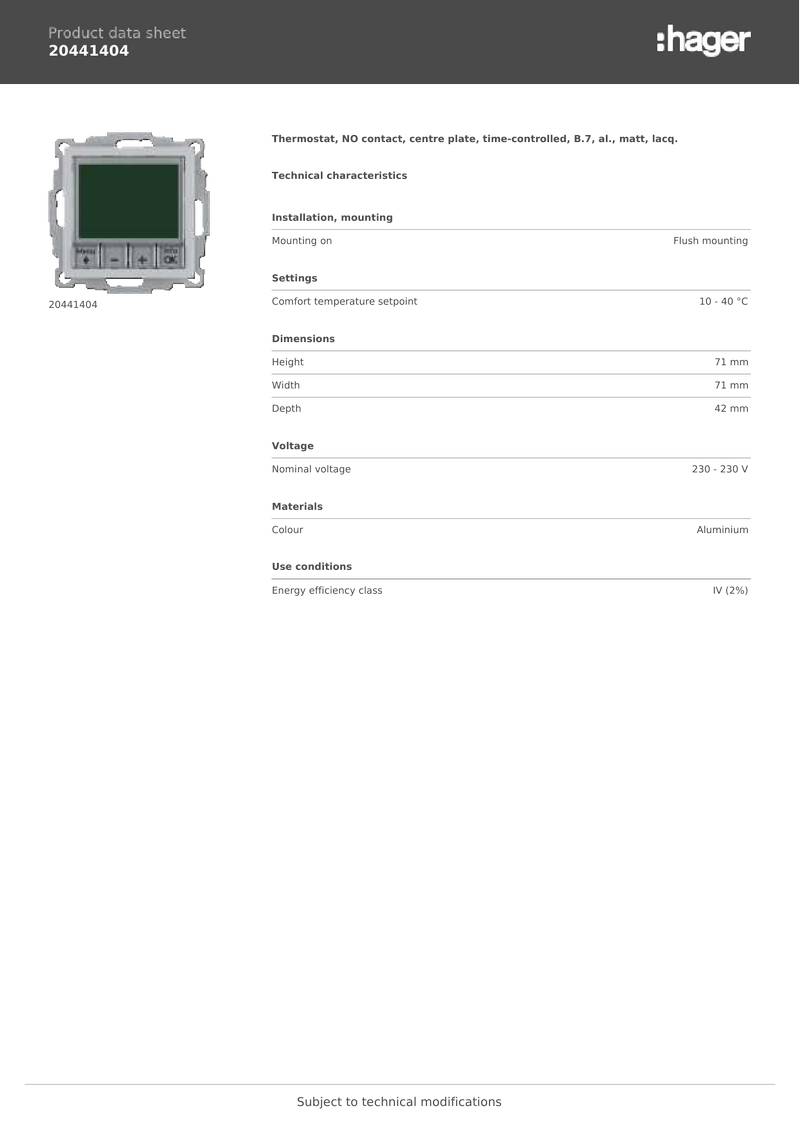
hager 20441404 Thermostat Owner’s Manual

azbil TY6000Z2000 Neostat Room Thermostat Instruction Manual

Smith s HAGA95001 Remote Wired Room Thermostat Owner’s Manual

Danfoss RT 2 Thermostat Installation Guide

Beca BAC-006 Zigbee Thermostat User Guide

aube technologies TH110A-DP-P Thermostat User Manual

EPH CDTP2 Room Thermostat Installation Guide