
heatmiser neoStat-Pro Smart Thermostat Instruction Manual












Cooling and Dew Point
(neoApp Only)
When used with the neoHub and HC-Switch, this thermostat can be used for underfloor
cooling. In this mode the neoStat PRO will show a snowflake icon when active. A floor
sensor must be fitted in order to monitor the floor temperarture, so that the thermostat can
calculate the dew point cut off. This will help to prevent condensation from forming on a
tiled floor.
Cooling Active
Reached Dew Point
Cooling Disabled
By default, cooling is disabled and is indicated by dashes on the display when the
system is set to cooling mode. To enable cooling, enter the zone settings menu
in the app.................................................................................................................................................
19
neo
Series

| General | Details |
|---|---|
| Name | heatmiser neoStat-Pro Smart Thermostat Instruction Manual |
| Make | heatmiser |
| Language | English |
| Filetype | PDF (Download) |
| File size | 0.52 MB |
 (1 votes, average: 5.00 out of 5)
 Loading...

heatmiser neoStat Touch-e Touchscreen Electric Floor Heating Thermostat Owner’s Manual

heatmiser Slimline-RF V3 Programmable Wireless Thermostat Instructions

heatmiser DS1-V2 Thermostat Owner’s Manual

heatmiser neoStat-e Electric Floor Heating Thermostat Instructions

heatmiser Slimline-B V3 Programmable Room Thermostat Owner’s Manual


Commercial Electric HTSA15CWB Smart Thermostat User Guide

Honeywell T7350 Programmable Thermostat Owner’s Manual
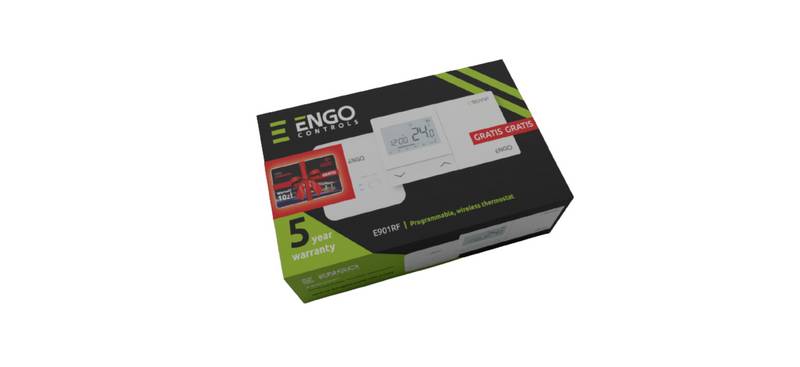
ENGO CONTROLS E901RF Wireless Programmable Thermostat User Guide

Honeywell FocusPRO P200 Series Programmable Thermostat Installation Guide

Danfoss RT 2 Series Capillary Tube Thermostat Installation Guide

HITACHI ATW-RTU-11 Wireless Thermostat Instruction Manual

Glow-Worm SRT 50-2 Climastat Select Programmable Room Thermostat User Manual

azbil TY6000Z2000 Neostat Room Thermostat Instruction Manual

velleman VM148 Programmable Thermostat Instruction Manual

ELKO EKO07258 16A Smart ZB Thermostat User Guide