
ELKO EKO07258 16A Smart ZB Thermostat User Guide





6. Long press the O button until Jn is displayed and then release the button to
initiate joining.
NOTE: If you have already paired your thermostat, and want to change
the preset mode during the current pairing process, you will need to
perform a factory reset. Otherwise, the thermostat will be paired with the
"Jn" will flash on the matrix.
7. In the app, tap Confirm device display Jn and than tap Start Configuration
(C).
Cancel
How to pair device
For commissioning, long press the O button
> 3s until “Jn” is displayed on the matrix.
Note: To change the preset mode, user need
to do factory reset on device.
C
8. Wait for a few seconds until the wireless
green.
LED on the thermostat turns
9. After the device is added in the app, assign a room to enable settings and
than tap Done.
NOTE:
•
Assigning a room, creates a group to control the thermostats, refer
•
thermostat, if you did not assign the room at Step 9.
DUG_ZB Thermostat 16 A_ELKO-00
15

| General | Details |
|---|---|
| Name | ELKO EKO07258 16A Smart ZB Thermostat User Guide |
| Make | ELKO |
| Language | English |
| Filetype | PDF (Download) |
| File size | 1.63 MB |
 (1 votes, average: 5.00 out of 5)
 Loading...

elko One Matter Thermostat Owner’s Manual

ELKO EKO50107, EKO50108 Matter Thermostat Installation Guide


Danfoss 013R9355 Radiator Thermostat Instructions

tuya M3 Series Thermostat User Guide

tuya MTS700N Wireless Thermostat User Manual

HEATIT Z-TEMP3 Thermostat User Guide

ecoer EST01 Wi-Fi Programmable Thermostat User Guide
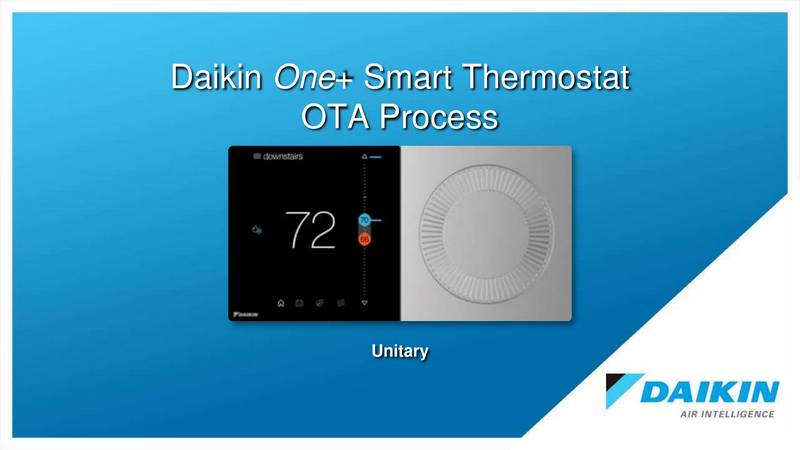
DAIKIN ONE Smart Thermostat Instructions

SIEMENS RDG200KN Room Thermostat Instruction Manual

ENSTO ECO500 Frost Protection Thermostat Instruction Manual

ikon ITG-24 Thermostat Control User Manual

Blue Universal OH-1202 Touchscreen Thermostat Instruction Manual