
Drayton 2290M Mains Digital Room Thermostat User Manual


INSTALLER OPTIONS
(Option 04) Maximum Setpoint Limit
Change maximum setpoint temperature. After any changes to
setpoint limits, all setpoints in AUTO, MANUAL, BOOST and
To make changes to the default Installer Options shown below,
enter the Installer Options menu by pressing the settings button
for 3 seconds. This allows access to the User Menu 01, the
Advanced User Settings Menu 02, the Installer Settings 03, and
Service Interval Settings 04. Use the + and - buttons to scroll to
Installer Options and press O to select. You can exit the menu by
pressing until you have returned to the home screen. In the
Installer Options menu (Fig 8), scroll through the options using
the + and - buttons and press O to select. Scroll through the
different settings using the + and - buttons and press O to select
and save. (Fig 9 shows Option 02 OFF).
(Option 05) Optimum Start
When enabled, this uses current ambient temperature, the
next scheduled setpoint and heat gain data captured by the
device to adjust the thermostat setpoint early, so the ambient
temperature is at the required level when the next event starts.
Delayed Start
When enabled, this uses current ambient temperature, current
event setpoint and heating characteristics of the environment
to delay implementation of the setpoint if the ambient
temperature is already close to it, therefore saving energy.
(Option 06) Valve Protection Time
In some hydronic heating systems it may be required to protect
the valve by operating it for a given time. When enabled, this
maintenance feature ensures that each relay output is operated
for at least one (1) minute each week.
(Fig 8)
(Fig 9)
(Option 01) Partial Sight Assistant
(Option 07) Sensor Fault Function
In the event of a sensor fault, central heating output is
reduced to 30% by turning heating ON for 3 minutes, then
OFF for 7 minutes.
When enabled, audible tones indicate when the setpoint is
more than, less than or equal to the current room temperature
when a user manually adjusts the setpoint using the + button:
Setpoint > room temperature - single high tone per 0.5°C
increase
(Option 08) Application Type
Select the central heating system energy type.
Setpoint = room temperature - double tone
Setpoint < room temperature - single low tone per 0.5°C
decrease
(Option 09) System Capability
(Option 02) Frost Protection
(Option 13) Installer Settings Lock
The Digistat will switch on the heating if the temperature
falls to 5°C and maintains a temperature of 7°C even when
in OFF mode.
When enabled, you can lock the installer settings until a 3 digit
code is entered. If the code is forgotten while device is locked,
please call the Technical Helpline.
(Option 03) Minimum Setpoint Limit
Change minimum setpoint temperature. After any changes to
(Option 20) Reset (Service Interval settings are NOT reset)
Reset the Digistat to its original factory settings.
setpoint limits, all setpoints in AUTO, MANUAL, BOOST and
Service Interval Options continued on reverse.
What is it
Select between
Default
01 Partial Sight Assistant
02 Frost Protection
03 Low Set Point C
OFF
ON
ON
ON
5
ON
OFF
5
High Limit
30
04 High Set Point C
05 Optimum Start
Low Limit
OFF
30
Delayed Start
Optimum Start
4
OFF
06 Valve Protection Time (Mins)
07 Sensor Fault Function
08 Application Type
09 System Capability
13 Installer Settings Lock
20 Reset
OFF
5
3
2
1
OFF
OFF
ON
OFF
Gas
Electric
Oil
Heat Pump
Gas
Fast Flow
OFF
Normal/Slow Flow
Fast Flow
OFF
ON
NO
YES
NO
01 Si Status
OFF
ON
OFF
02 Si Type
Reduced Comfort
Heating OFF
No Effect
Reduced Comfort
03 Si Due Date
04 Si Warning
05 Si Due Alarm
06 Si Boost
YY/MM/DD
0
99
30
OFF
ON
ON
OFF
OFF
0000
OFF
07 Si Password Reset
Select 4-digit PIN

| General | Details |
|---|---|
| Name | Drayton 2290M Mains Digital Room Thermostat User Manual |
| Make | Drayton |
| Language | English |
| Filetype | PDF (Download) |
| File size | 0.33 MB |
 (1 votes, average: 5.00 out of 5)
 Loading...

Drayton RF902 Digistat 3rd Generation Wireless 2-Channel Programmable Thermostat Installation Guide

Drayton Wiser Smart Room Thermostat Instruction Manual

Drayton 2290M Digistat 3rd Generation Programmable Room Thermostat Installation Guide
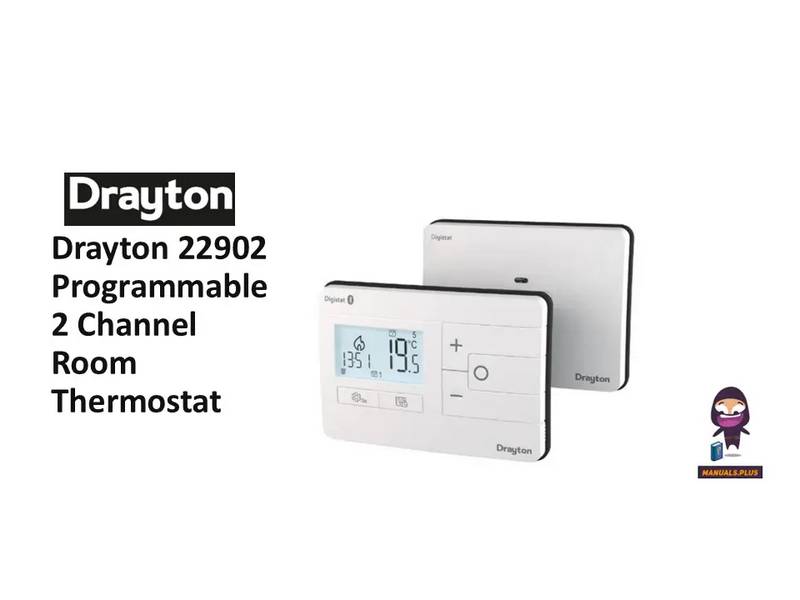
Drayton 22902 Programmable 2 Channel Room Thermostat Installation Guide

Drayton RF710 Digital Wireless Room Thermostat Installation Guide


tado Smart AC Control V3+ Thermostat Instruction Manual

Honeywell TH5220D Non-Programmable Digital Thermostat Installation Guide

AVATTO TRV06 Wireless Smart Radiator Thermostat User Manual

JABLOTRON TP-98TX Wireless Thermostat Instruction Manual

HEAT-MY-HOME HMH200 WiFi Thermostat User Guide

PRO1 T805 Non Programmable Thermostat Instruction Manual

Tempio Controls HY02B05 WIFI Digital Heating Thermostat User Manual

tekmar T-560 Touchscreen Thermostat User Manual

TPI KT Series Line Voltage Thermostat Instruction Manual

Beca BHT-002 Electric Heating Wifi Thermostat User Guide