
Home > SALUS CONTROLS > SALUS CONTROLS SQ610 Quantum Smart Thermostat User Guide
SALUS CONTROLS SQ610 Quantum Smart Thermostat User Guide


Short description of some selected functions
(all functions are described in the full version of the SQ610 manual):
1. DISPLAY TEMP RESOLUTION: This function determines the resolution of the displayed
temperature ( 0.5°C or 0.1°C ).
2. CONTROL ALGORITHM: This function defines how to control the room temperature. Available
options are: ITLC for Underfloor Heating / Radiators / Electrical Heating (that’s advanced algorithm for
precise maintenance of room temperature), hysteresis +/-0.5°C or +/-0.25°C, THB Actuator (option
recommended for systems with THB auto balancing actuators).
3. S1/S2 INPUT: A floor sensor, an external temperature sensor or an occupancy sensor can be
connected to the S1/S2 input of SQ610RF. Additionally, by connecting a NO type of ON/OFF voltage-
free contact, you can use this input as a OneTouch rules trigger (programmed in the Salus Smart Home
app) or as a Heat/Cool changeover.
4. VALVE PROTECTION: This function activates all actuators once a week for 5 minutes (in summer,
this function helps to prevent the actuators stuck).
5. INTERNAL RELAY (COM/NO): Internal relay activation or deactivation with COM/NO outputs use. Default
is enable.
6. MIN TURN OFF TIME: Minimum switch-off time (thermostat will not send the signal for
heating/cooling more often than specified in this parameter).
7. OPTIMISATION FEATURE: Optimum Start and Optimum Stop functions are energy saving feature
that makes thermostat most cost effective (in combination with ITLC control algorithm).
8. COMFORT WARM FLOOR: This function helps to keep the floor warm, even if the room is warm
enough and there is no need to turn on the heating. User can select 3 levels of warm floor feature.
Please note it is not an economy feature, as your heating system may be ON even if there is no heating
demand from the room thermostat. It is COMFORT feature which keeps your floor warm all the time.
9. DEVICE INFORMATION: In this menu user can check: Software Version, RF range value, Paired
devices or also user can activate Identification mode.
*10. FACTORY RESET: Here you can RESET your device to factory settings. After successfull reset
device will be removed from ZigBee network and you will need to add / pair your device again.
15

| General | Details |
|---|---|
| Name | SALUS CONTROLS SQ610 Quantum Smart Thermostat User Guide |
| Make | SALUS CONTROLS |
| Language | English |
| Filetype | PDF (Download) |
| File size | 2.82 MB |
 (1 votes, average: 5.00 out of 5)
 Loading...

SALUS CONTROLS IT800WIFI Smart Thermostat Installation Guide

SALUS CONTROLS IT800 WIFI Smart Thermostat Instruction Manual

SALUS CONTROLS BTR230 Non Programmable Thermostat User Guide

SALUS CONTROLS HTR-RF Smart Home Dial Thermostat User Guide

SALUS CONTROLS IT700 Smart Thermostat Instruction Manual

SALUS CONTROLS 091FLv2 Digital Programmable Thermostat Instruction Manual

SALUS CONTROLS RT520 Thermostat User Manual

SALUS CONTROLS RT200 Electronic Room Thermostat Instruction Manual

SALUS CONTROLS T105 Digital Programmable Thermostat User Guide


SECURE ThermoPlus AS2 Programmable Room Thermostat Instruction Manual

Honeywell RTH9590 Wi-Fi Color Touchscreen Programmable Thermostat User Guide

ENGO EASYBATB Wired Battery Thermostat User Guide

Honeywell PRO 4110D Programmable Thermostat Installation Guide

hansgrohe AXOR CARLTON Thermostat Mixer Instruction Manual

TIME O STAT 2 Channel 3 Wired HMO Thermostat Installation Guide

Honeywell Home FocusPRO N100 Series Non Programmable Thermostat Installation Guide

SALUS DT500 Thermostat User Guide
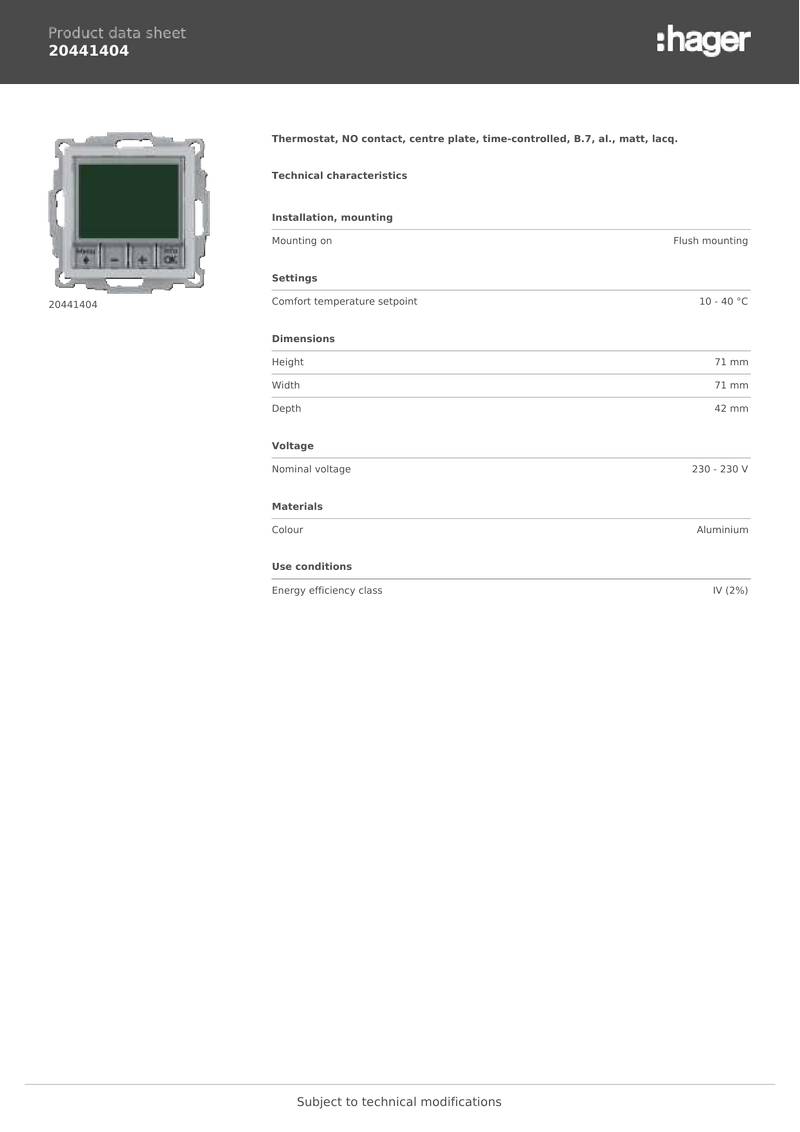
hager 20441404 Thermostat Owner’s Manual

NT NetX X-Series Thermostat Installation Guide