
Home > Comfortmaker > Comfortmaker ION Gray Smart Thermostat Instruction Manual
Comfortmaker ION Gray Smart Thermostat Instruction Manual




COMPLETE THE SETUP
IN FOUR MAIN STEPS
Once you are connected through the Fast OEM Mobile Tech app, you can complete the
system setup in four easy steps by following the instructions in the app.
SYSTEM CONFIGURATION
1
Select the indoor and/or outdoor equipment installed,
choose single- or two-stage operation, auxiliary heat
source, set up IAQ accessories, and confirm that wiring
is correct.
CUSTOMIZE SYSTEM SETTINGS
2
Accept the factory default settings, or customize
system settings to optimize airflow, heating/cooling
stages, overcool setpoints, lockout, deadband, and
more. Available settings will populate based upon the
installed HVAC equipment.
TESTING
3
Once settings are finalized, the app can conveniently
guide you through your heating, auxiliary heat and cooling
tests. You will still have to check supply vent temperatures
to confirm proper operation. Troubleshooting help is
available through the app if needed.
SERVICING DEALER INFORMATION
4
To help remind your customer who to call for service and maintenance, you can
add your company’s information here. You will also want to guide the homeowner
on how to grant permissions to data sharing via the Ion Home app, which will
allow you to access system operation data through the Fast OEM Mobile Tech app
and the dealer Connected Portal launching Q4, 2024.
By completing the system setup through the Fast OEM Mobile Tech app, you can
ensure optimum system operation for improved customer comfort and satisfaction.
DATA SHARING THROUGH THE CONNECTED PORTAL (Launching Q4, 2024)
The Ion Gray Smart Thermostat can keep you connected with your customer through the Connected Portal, when the customer
allows data sharing. While the available data is not as comprehensive as it is through the Ion Black Communicating Control, it can
help speed up troubleshooting in advance of a service call.
Through the portal, you can:
• View current operating status
• Remotely adjust advanced system settings
• View current programmed settings
• View runtime reports including equipment activity history,
humidity, indoor and outdoor temperatures and setpoints
10 Complete the Setup

| General | Details |
|---|---|
| Name | Comfortmaker ION Gray Smart Thermostat Instruction Manual |
| Make | Comfortmaker |
| Language | English |
| Filetype | PDF (Download) |
| File size | 0.88 MB |
 (1 votes, average: 5.00 out of 5)
 Loading...

Comfortmaker TSTATIIEWF-01 Ion Gray Smart Thermostat Instruction Manual

Comfortmaker TSTATIIEWF-01 Ion Gray Smart Thermostat Owner’s Manual


SIEMENS ET 134-22 Low Temperature Detection Thermostat Instructions

Beca BAC-9000 Smart Knob Thermostat User Guide

Honeywell 5000 Series Non Programmable Digital Thermostat Instruction Manual

beca BAC-2000-ML Modulating Touch Button Thermostats User Guide

GENERAL LIFE HT25S RF Wireless Room Thermostat User Manual
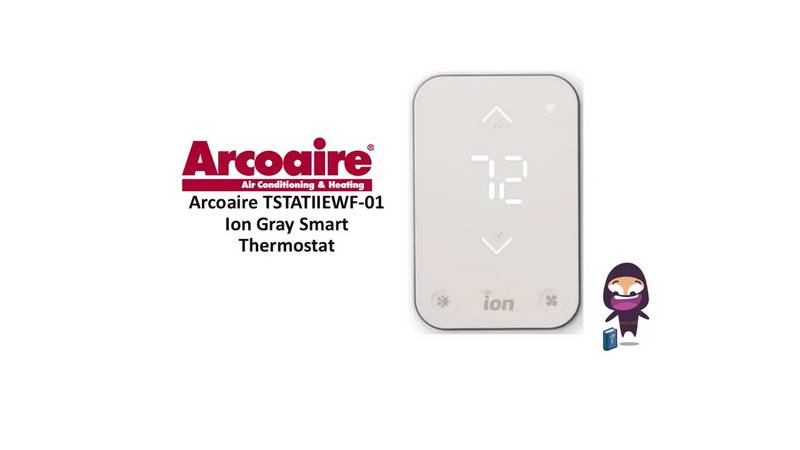
Arcoaire TSTATIIEWF-01 Ion Gray Smart Thermostat Owner’s Manual

REHAU NEA H 24 V Room Thermostat Instruction Manual

YETI YET-53 Smart Heating Thermostat User Manual

Honeywell TL6120 5-2 Electric Heating Programmable Thermostat User Guide

SALUS CONTROLS HTR-RF Smart Home Dial Thermostat User Guide