
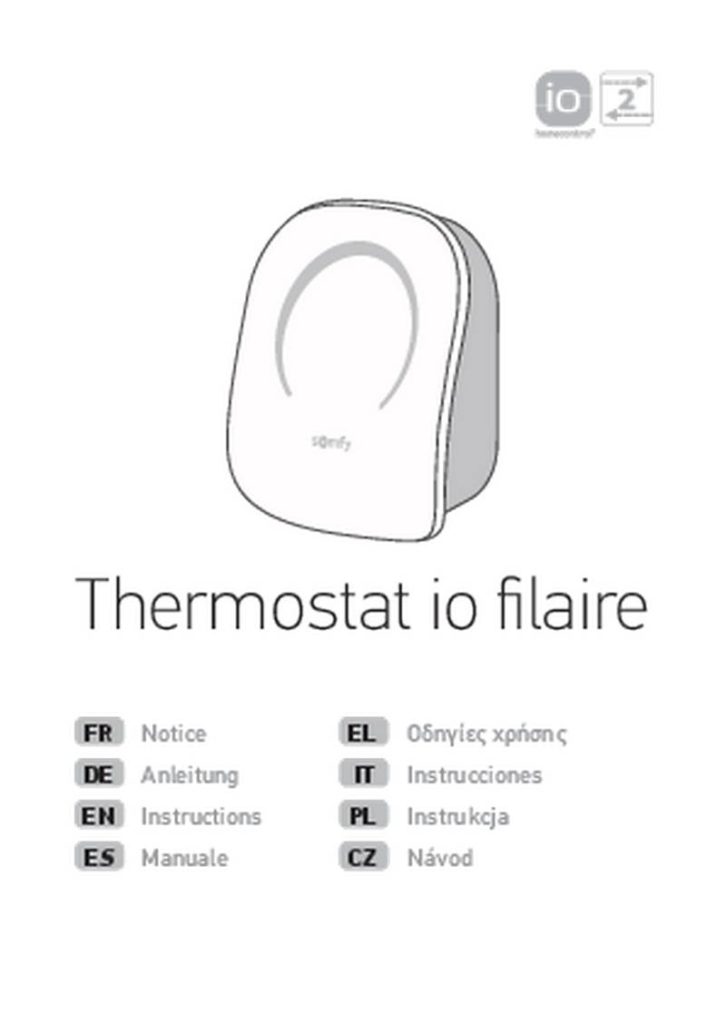
somfy 1870776 Wired IO Thermostat Instructions


PAIRING
When the thermostat is powered on, it remains in pairing mode for 10 minutes. Go to your
TaHoma interface to pair your thermostat with your home automation box.
If you do not complete pairing within this period, use a pointed object to
press on the PROG button on the back of the thermostat's front panel for
10 seconds. Make sure that the power supply module remains in place
when removing the front panel from the thermostat.
USE
ON THE THERMOSTAT:
You can set the temperature of your thermostat manually to between 15 and 26 degrees,
thanks to the product's touchscreen interface. This will have the effect of creating an
exemption, which will end when a new setpoint is issued by TaHoma (temperature, mode,
weekly program or scenario).
TAHOMA:
Simple control: You can modify the temperature on your control interface, and select the
desired mode from night, at home, out, and frost protection modes.
Schedule: The thermostat can be integrated into the schedule of the "TaHoma Classic"
application. You will then be able to include temperature or mode orders in your typical days.
NB: if you want to use the schedule of the "TaHoma Classic" application, you need to
deactivate the internal program to prevent schedule conflicts.
•
•
OTHER SETTINGS:
•
Heating anticipation (only available in the Tahoma Classic app): If heating anticipation is
activated, your thermostat will automatically calculate the time required to reach the desired
temperature at the requested time.
•
•
Min. / Max. (by default 5°C - 26°C): Used to set limit temperatures on your io thermostat.
Thermostat Child locking mode (deactivated by default): Child safety function, locking
temperature changes on the io thermostat.
•
Window open detection (activated by default): If the temperature falls more than 2°C in
less than 20 minutes, then the current mode shuts down, to switch to window open mode
= temperature setpoint 8°C. The io thermostat will restart after 20 minutes, or if it detects a
temperature increase of 0.5°C in less than 20 minutes.
•
•
Continuous display (deactivated by default): You can activate or deactivate the continuous LED
display on your thermostat.
Hysteresis (sensivity threshold, 0,3 °C by default) : You can set your thermostat's sensitivity
threshold for more or less fine heating regulation. The thermostat deems that the temperature
setpoint reached when the sensitivity threshold is reached (e.g.: Tsetpoint = 20°C, Hysteresis =
+/-0.2°C, then regulation range = 19.8°C - 20.2°C).
21

| General | Details |
|---|---|
| Name | somfy 1870776 Wired IO Thermostat Instructions |
| Make | somfy |
| Language | English |
| Filetype | PDF (Download) |
| File size | 1.02 MB |
 (1 votes, average: 5.00 out of 5)
 Loading...

TRANE XR103 Non-Programmable Heat Pump Thermostat User Guide

SALUS CONTROLS RT200 Electronic Room Thermostat Instruction Manual

nVent RAYCHEM RayStat-M2 Thermostat Instruction Manual

EMSQ22 Daikin ONE Lite Smart Thermostat User Manual

GENERAL LIFE FH104 Underfloor Heating Thermostat User Manual

PURGEAR STC-1000 Digital Thermostat User Guide

TRANE BAYECON089A Programmable Touch Screen Thermostat Instruction Manual

nest B08K2M13NY Thermostat E Smart Thermostat Installation Guide

Haswill Electronics STC-9100 Thermostat User Manual

sensi ST76 Series Touch 2 Smart Thermostat User Manual