
Google Nest Learning Thermostat (4th gen) Installation Guide


Key Features and Functionality
Direct sunlight can cause a thermostat’s temperature sensor to heat up, so it may think that the ambient
temperature in the room is higher than it actually is.
With Sunblock enabled, the feature will compensate for the direct sunlight to keep the user’s home
more comfortable and more true to the real temperature inside.
The user will see the icon above on their thermostat screen and app when Sunblock is active.
This feature can be found under the Humidity Helper page in the Temperature Preferences seꢀings page of
the Google Home app. This feature allows the compressor and fan to run longer aſter it has satisfied
cooling setpoint to remove excess humidity from the home.
a
Cool to Dry can be used with any air conditioner or heat pump, but works differently depending on whether
or not the system has its own dehumidification mode.
If the system has a standalone dehumidifier, this option will not appear on the thermostat.
During Pro Setup, the target humidity, minimum indoor temperature, and overcooling limit seꢀings can be
adjusted. These seꢀings control when Cool to Dry can start and how far the indoor temperature can go
below the cooling setpoint before Cool to Dry should stop. Cool to Dry may not always reach the target humidity
before stopping. See the “Configuring complex systems” section for more details.
Cold weather can cause condensation on windows and walls if the indoor humidity is too high. With smart
humidification enabled, the feature will automatically reduce the target humidity based on the outdoor
weather. This feature can be found under the Humidity Helper page in the Temperature Preferences
seꢀings page of the Google Home app.
Airwave turns the compressor off shortly before reaching the target temperature. Then it runs the fan alone
until it reaches the temperature the user wants.
Airwave learns exactly how much cooling can be done with the compressor off. It automatically shuts off the
compressor at the right time to help maximize energy savings.
Airwave might not activate if there is excess humidity identified by the built-in humidity sensor in the
thermostat (45% RH). In more humid climates, Airwave might never activate.
19

| General | Details |
|---|---|
| Name | Google Nest Learning Thermostat (4th gen) Installation Guide |
| Make | Nest |
| Language | English |
| Filetype | PDF (Download) |
| File size | 17.85 MB |
 (1 votes, average: 5.00 out of 5)
 Loading...

nest B08K2M13NY Thermostat E Smart Thermostat Installation Guide


GENERAL LIFE FH104 Underfloor Heating Thermostat User Manual

EcoNet RETST800SYS Smart Thermostat User Guide

EUROSTER 2026TXRX Air Conditioning Thermostat Instruction Manual

TELUS ASSORTED Smart Thermostat User Manual

HITACHI ATW-RTU-11 Wireless Thermostat Instruction Manual

tado Smart AC Control V3+ Thermostat Instruction Manual

Honeywell RCT8100 Programmable Thermostat User Guide

Beok TGW60B Programmable Smart Wi-Fi Thermostat User Guide

celect T30 Simple Plug In Thermostat Installation Guide
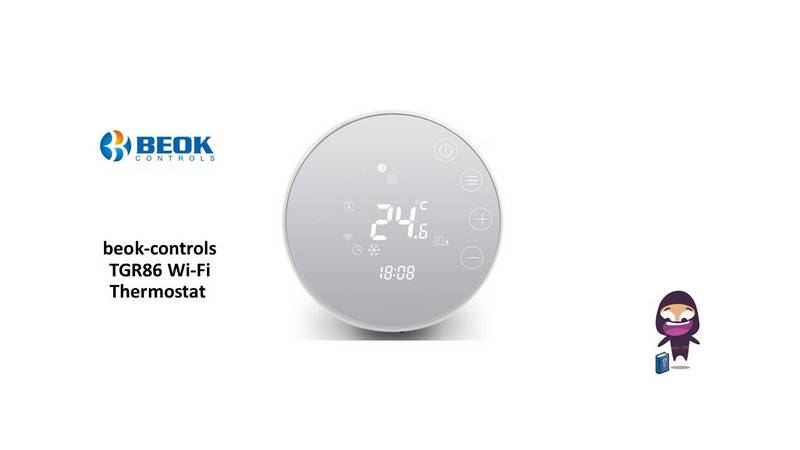
beok-controls TGR86 Wi-Fi Thermostat User Guide