
Google Nest Learning Thermostat (4th gen) Installation Guide


Installation Overview
Installation Overview
What is in this section
The next three pages of this document will provide an overview of the physical installation process of the Nest
Learning Thermostat. It will also provide tips about how to provide a good experience for a customer.
Aſter the overview section, the document will walk you through the Pro Setup process using the Google Home
app. Some screens may look different depending on the equipment being configured. The Pro Setup process will
finish with an overview of how the customer will connect the thermostat to their Google Home app and account.
The next portion of the document will explain some of the available seꢀings and important information about
configuring complex systems. The last portion of this section is wiring diagrams for compatible equipment.
How to use Pro Setup (high level)
The Nest Learning Thermostat has a dedicated configuration process for Nest Pros in the Google Home app that
allows the pro to fully configure the thermostat on their own phone without the use of Wi-Fi or a homeowner
needing to be present.
This option will appear aſter the thermostat QR code is scanned in the Google Home app. This setup process
allows a pro to configure more advanced seꢀings such as upstage timers and breakpoint temperatures. As a pro,
this allows you to tailor the thermostat to the equipment, the home, the climate, and the user’s preferences.
Aſter successful completion of the Pro Setup process, the Nest Learning Thermostat offers basic control of the
equipment and is ready to be connected to a homeowner’s account. The process the homeowner follows is
similar; however, aſter they scan the QR code, they will select Already Installed. This will connect the thermostat to
their account and home network. The homeowner will then be prompted to turn on/off features based on their
preferences around scheduling, presence sensing, and additional comfort features.
If the customer is present and there is Wi-Fi available, the Pro Setup process should still be utilized in order to
access the advanced configuration options. If a technician or installer needs to use the customer’s phone, they
can still use the Pro Setup process and then have the customer complete the configuration once they are done.
For more detailed steps about this process, see the following pages.
28

| General | Details |
|---|---|
| Name | Google Nest Learning Thermostat (4th gen) Installation Guide |
| Make | Nest |
| Language | English |
| Filetype | PDF (Download) |
| File size | 17.85 MB |
 (1 votes, average: 5.00 out of 5)
 Loading...

nest B08K2M13NY Thermostat E Smart Thermostat Installation Guide


ENGO CONTROLS EFAN-24W Fan Coil Thermostat User Guide

ENGO EONEBATW, EONEBATB Internet Controlled Thermostat User Guide

WATTS WTC-ES Contact Thermostat User Manual

WHITE-RODGERS 1F95-1277 Universal Thermostat Owner’s Manual

TSTATBBEWF-01 Bryant Smart Thermostat Owner’s Manual

Roth Touchline SL Plus Room Thermostat Instruction Manual

HYSEN HY518WE WIFI Digital Heating Thermostat User Manual

Price Industries Disio Display Thermostat User Guide
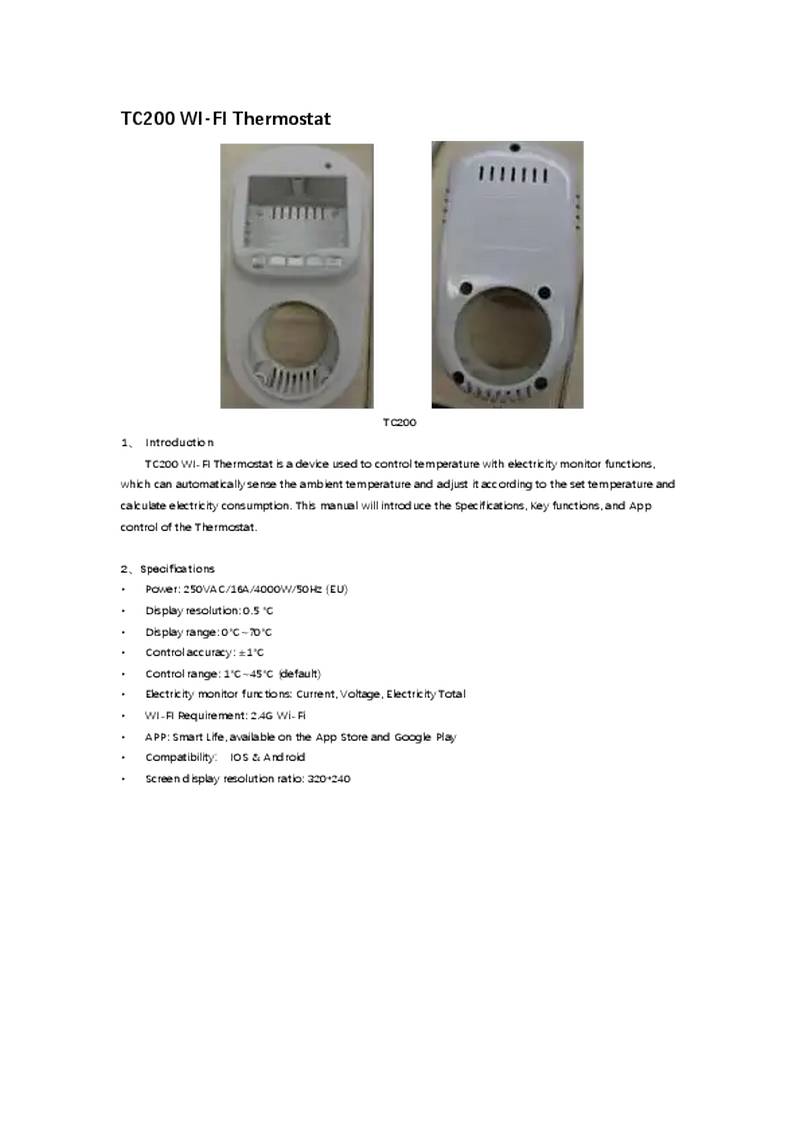
NINGBO TC200 Smart WI-FI Thermostat Owner’s Manual

SIEMENS TH193 HC Heating-Cooling Room Thermostat Instruction Manual