
fastwarm 16AMP Touchscreen Thermostat Instruction Manual





MODE SELECTION
Function & Operation
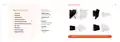
In the page of detected temperature, press the key in the up left corner to select the
mode. There are 3 modes:
Auto Mode
This is the thermostats default mode.
ON/OFF
Thermostat will run according to event parameters set within the Edit Setting section.
Press Auto Mode to confirm and revert to home screen.
Press the button on the right side of the thermostat to turn on/off.
Note: When anti-frozen function is active, the thermostat will maintain the anti-frozen
temperature when power off.
Manual Mode
Will remain at the set temperature until changed.
Press Manual Mode to enter temperature setting.
Press or to set the temperature.
Press ✓ to confirm and revert to home screen.
TEMPORARY OVERRIDE TEMPERATURE
In the page of detected temperature, press or to change the current event
temperature setting. The thermostat will revert to the parameters of schedule at the
start-time of the next event in auto mode.
Holiday Mode
Thermostat will run with the set temperature until the holiday time ends.
Press Holiday Mode to enter holiday setting.
Press or to set the days of holiday.
Press ✓ to confirm and enter holiday temperature setting.
Press or to set the temperature.
Press ✓ to confirm and enter the page of detected temperature.
8
9

| General | Details |
|---|---|
| Name | fastwarm 16AMP Touchscreen Thermostat Instruction Manual |
| Make | fastwarm |
| Language | English |
| Filetype | PDF (Download) |
| File size | 0.14 MB |
 (1 votes, average: 5.00 out of 5)
 Loading...


fastwarm HM-01-16A Digital Programmable Thermostat Instruction Manual


GENERAL LIFE SOLARA 330S Digital Room Thermostat User Manual

GEWiSS GW 10 794H KNX Timed Thermostat Instruction Manual
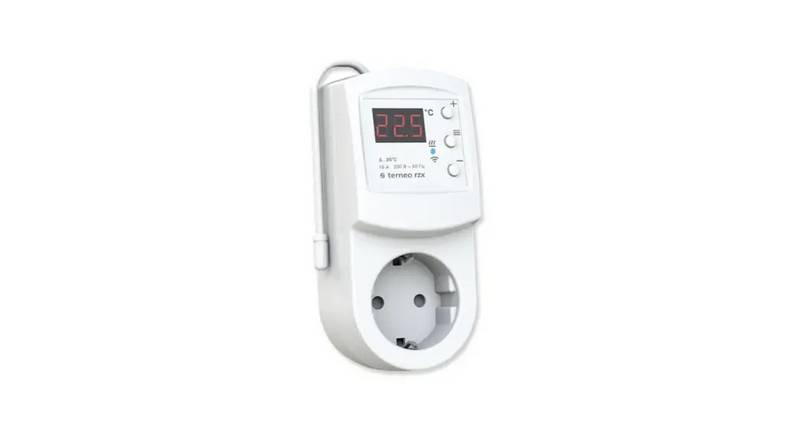
terneo rzx Smart Thermostat User Manual

Danfoss ATF Clamp-On Pipe Mounting Frost Thermostat Installation Guide

HyperStat 7C-HS-C2W-X Wall Mount Thermostat Installation Guide

Honeywell Home DT92E Wireless Room Thermostat User Manual

Danfoss RET230 HCW-1 Electronic Heat Cool Thermostat User Manual

GENERAL LIFE FH250S Underfloor Heating Thermostat User Manual

Roth Basicline H 230V Room Thermostat Instructions

SALUS FC600 Fan Coil Thermostat User Guide