
ecoer EST02 Smart Wi-Fi Thermostat User Guide





EST02
Device Initial Setup
For a convenient and straight forward start to using your new smart thermostat, the device will
automatically guide you through the Initialization Setup process upon its initial power-up.
1
Heat Type
Select an HVAC type from the options
available for your home:
Heat Pump+Electric, Dual Fuel, AC+Electric or
AC+Furnace, select according to your heating
system.
Below is a list of possible examples which may help you to select correctly:
NOTE : If you are not sure of which one to select, contact (703) 348-2538.
If you have a Heat Pump + Electric system:
1. Select HP+Electric, and tap it.
2. Follow the on-screen instructions to configure the device
according to the actual installation.
3. Tap "Next" button to continue.
13

| General | Details |
|---|---|
| Name | ecoer EST02 Smart Wi-Fi Thermostat User Guide |
| Make | ecoer |
| Language | English |
| Filetype | PDF (Download) |
| File size | 0.63 MB |
 (1 votes, average: 5.00 out of 5)
 Loading...

ecoer EST01 Wi-Fi Programmable Thermostat User Guide


WATTS BT-A03 RF Electronic Room Thermostat Installation Guide

nVent RAYCHEM RayStat-M2 Thermostat Instruction Manual

Honeywell Home RCHT8610WF T5 Smart Thermostat Installation Guide

eurotherm Smart One 365 Thermostat User Manual
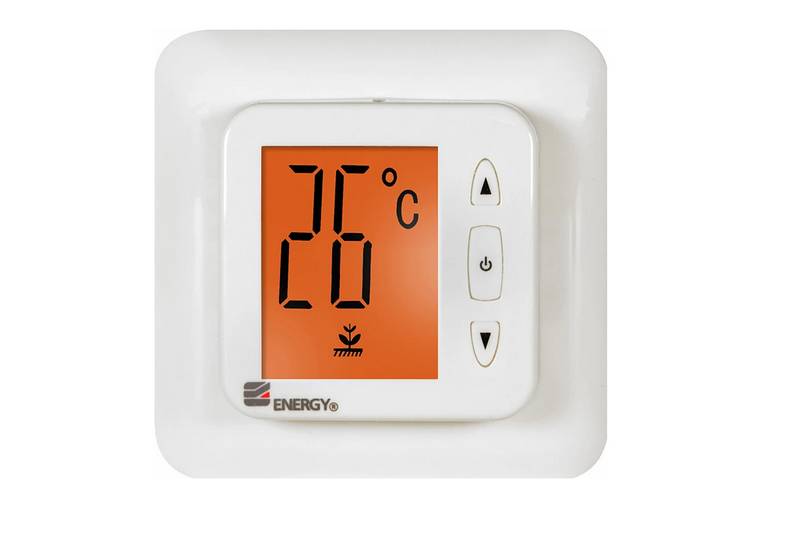
ENERGY TK02 Electronic Thermostat for Warm Floor User Manual

SALUS Programmable Wired Thermostat VS30W/VS30B Installation Guide

STELPRO SIBTE12C Electronic Thermostat Owner’s Manual

GENERAL ARUNA 301S Digital Room Thermostat User Manual

STELPRO ASSO Series Integrated Thermostat Installation Guide

TSTATBBEWF-01 Bryant Smart Thermostat Owner’s Manual