
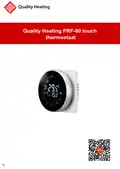
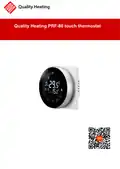
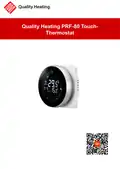
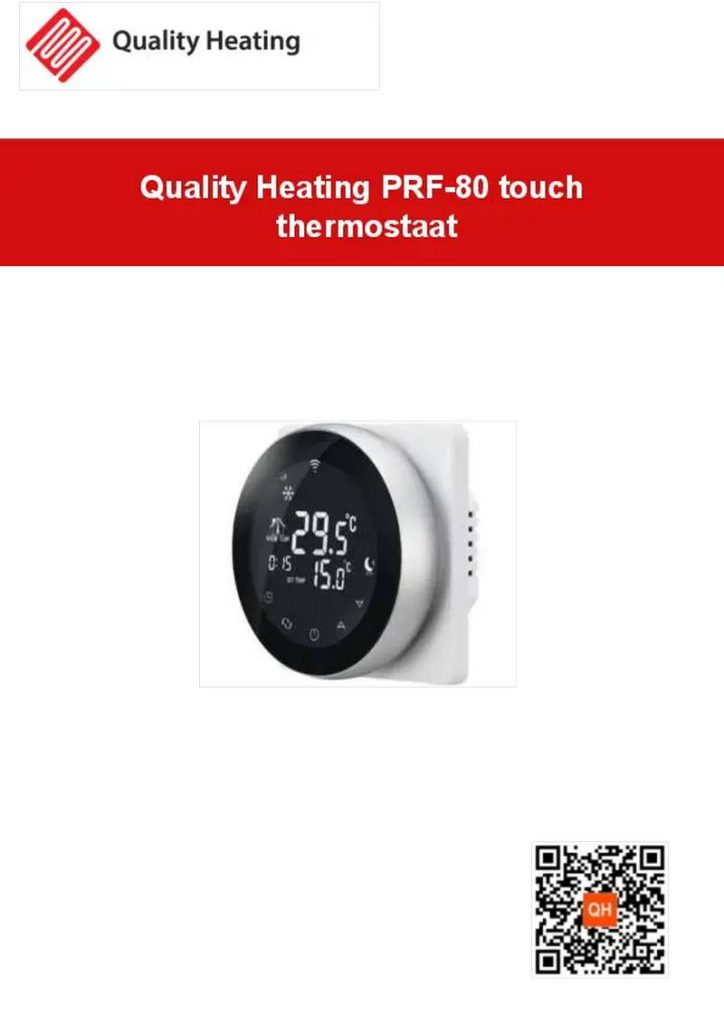
Quality Heating PRF-80 Touch Thermostat Instructions
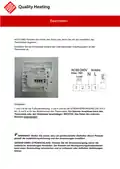


| General | Details |
|---|---|
| Name | Quality Heating PRF-80 Touch Thermostat Instructions |
| Make | Quality Heating |
| Language | English |
| Filetype | PDF (Download) |
| File size | 0.47 MB |
 (1 votes, average: 5.00 out of 5)
 Loading...


Quality Heating PRF-80 Manual: Questions and Answers
Quality Heating PRF-80 specifications
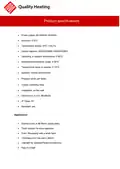
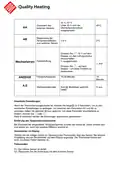
| Power supply | 90-240VAC 50/60HZ |
| Maximum load | 3A/250V(WW);16A/250V(WE) |
| Accuracy | 0.5°C |
| Sensor | NTC (10k)1% |
Can I install the Quality Heating PRF-80 in a surface-mounted box?
The PRF-80 fits a standard flush-mounted box. A surface-mounted edge is available separately to convert it to surface-mounted installation. Instructions, p. 19
What do the lights mean on a Quality Heating PRF-80 thermostat?
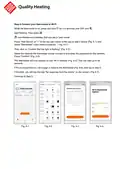
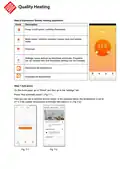
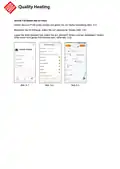
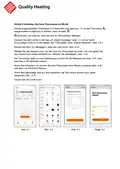
A flashing light indicates the thermostat is in pairing mode and ready to connect to Wi-Fi. Instructions, p. 31
What happens if my Quality Heating PRF-80 shows 'No response from the device' during Wi-Fi setup?
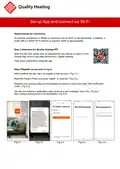
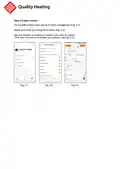
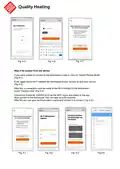
Click 'Switch Pairing Mode', re-enter your Wi-Fi network details, then connect to the thermostat's hotspot (SmartLife-XXXXX) via your phone's Wi-Fi menu before returning to the app. Instructions, p. 32
What does the Mode button do on a thermostat?
It switches between manual, auto and holiday mode. Instructions, p. 33
Is ventilation mode active on my Quality Heating PRF-80 thermostat?
The display shows 10 ℃ when ventilation mode is on. Heating turns off at this temperature. Instructions, p. 28
Quality Heating thermostat won't connect to Wi-Fi, what's wrong?
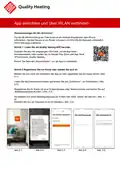
Check that your router broadcasts a 2.4GHz network; 5GHz is not supported. An Android smartphone or iPhone is required to set up the connection.
- Router must use 2.4GHz Wi-Fi, not 5GHz
- You need a smartphone or iPhone to complete setup Instructions, p. 29
Difference between auto mode and manual mode on Quality Heating PRF-80?
Auto mode runs the current program. Manual mode lets you temporarily adjust the temperature without following the schedule. Instructions, p. 25
Quality Heating PRF-80 compared with other Quality Heating thermostats
| Specification | Quality Heating PRF-80 | Quality Heating QH CV Clock |
|---|---|---|
| Power supply | 90-240VAC 50/60HZ | 2x AAA baery (not included) |
| Maximum load | 3A/250V(WW);16A/250V(WE) | 0.5A |
| Sensor | NTC (10k)1% | NTC 10K, 3950 Ohm at 25 degrees Celsius |
More Quality Heating thermostat manuals


