
MRCOOL 16117100003415 Versa Pro Wired Thermostat Owner’s Manual


INSTALLATION
4
4-Unit Installation
Step 1: Remove the upper section of unit
Insert a flat head screwdriver into the slots
located at the bottom of the wired controller (2
places). Remove the front cover. (See fig. 4-1)
NOTE: Do not pry up and down, only rotate
the screwdriver.
NOTE
The Printed Circuit Board (PCB) is mounted in the upper part of the wired controller. Use care not to
damage the board with the flat head screwdriver.
Step 2: Attach Back Plate
For exposed mounting, fasten the back plate to the wall with 3 ST3.9*24 screws and plugs. (See fig. 4-2)
Use 2 M4X25 screws to install the back cover of the 86 switch box, and use 1 ST3.9*25 screw to attach
to the wall.
NOTE
Attach to a flat surface. Be careful not to distort the back plate of the wire controller by over-
tightening the mounting screws.
7
mrcool.com

| General | Details |
|---|---|
| Name | MRCOOL 16117100003415 Versa Pro Wired Thermostat Owner’s Manual |
| Make | MrCOOL |
| Language | English |
| Filetype | PDF (Download) |
| File size | 0.91 MB |
 (1 votes, average: 5.00 out of 5)
 Loading...

MRCOOL Mini-Stat WiFi Thermostat User Manual

MRCOOL MST04 Smart Thermostat Owner’s Manual


Milesight WT201 Airteq Smart Thermostat User Guide

brennenstuhl HTCZ01 Zigbee Radiator Thermostat Instruction Manual

SALUS DT500 Thermostat User Guide

STELPRO STZW402 – KI Electronic Thermostat Owner’s Manual

Danfoss RTD 014G0251 Ally Radiator Thermostat User Guide

seitron KTY003 Hygge Kit Class 5 WiFi Battery Powered Programmable Thermostat User Guide
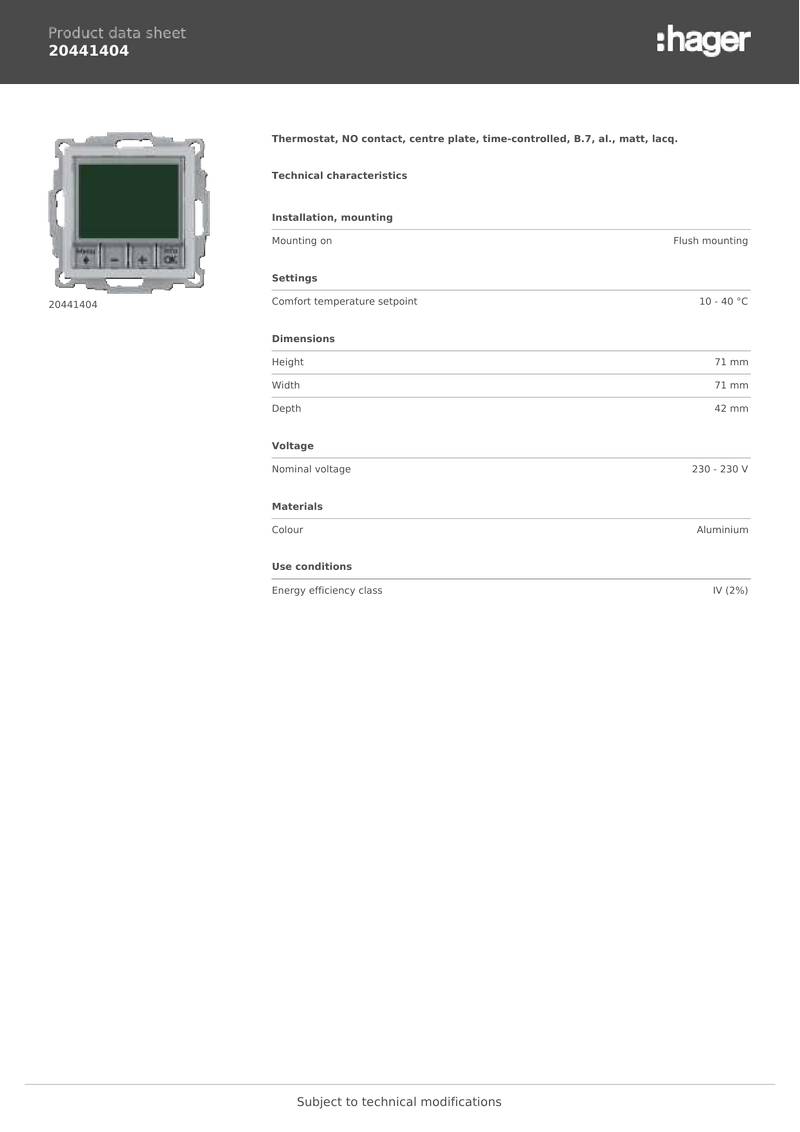
hager 20441404 Thermostat Owner’s Manual

AuVerte 003001.C508 Thermostat Installation Guide

ATAG One Zone Thermostat User Manual

Provirtec TH-01 Smart Thermostat User Manual