
MRCOOL 16117100003415 Versa Pro Wired Thermostat Owner’s Manual


OPERATION
5
2nd Weekly Timer-Time Setting:
4. Press the "\/" or "/\" button to select the day of the week, then press the
Confirm button to confirm the selection.
2nd Weekly Timer-Operation Mode Setting:
5. Press the "\/" or "/\" button to set the operation mode, then press Confirm.
2nd Weekly Timer-Room Temperature Setting:
6. Press the "\/" or "/\" button to set the room temperature, then press
Confirm.
NOTE: This setting is unavailable in the Fan or Off modes.
2nd Weekly Timer-Fan Speed Setting:
7. Press the "\/" or "/\" button to set the fan speed, then press Confirm.
NOTE: This setting is unavailable in the Auto, Dry, or Off modes.
8. Different scheduled events can be set by repeating steps 3 through 7.
9. Additional days, in a one-week period, can be set by repeating steps 3 through 8.
NOTE
The weekly timer setting can be returned to the previous step by pressing the Back button. The current
setting is restored. The controller will not save the weekly timer settings if there is no operation within
30 seconds.
2nd Weekly Timer-Activation:
Press the Timer button to select WEEK2, and the timer starts automatically.
21
mrcool.com

| General | Details |
|---|---|
| Name | MRCOOL 16117100003415 Versa Pro Wired Thermostat Owner’s Manual |
| Make | MrCOOL |
| Language | English |
| Filetype | PDF (Download) |
| File size | 0.91 MB |
 (1 votes, average: 5.00 out of 5)
 Loading...


MRCOOL Mini-Stat WiFi Thermostat User Manual

MRCOOL MST04 Smart Thermostat Owner’s Manual


Honeywell TH6320WF2003 Lyric T6 Pro Wi-Fi Programmable Thermostat User Guide

WARMZONE LED WiFi Floor Heating Thermostat Owner’s Manual

BEOK CONTROLS TGT79 Touch Screen Thermostat Instruction Manual

Honeywell Home X8S Smart Thermostat User Guide

resideo T3 Programmable Thermostat Installation Guide

Midea KJR-29B-BK-E Wireless Thermostat Instruction Manual

PRO1 T771 Programmable Electronic Thermostat Instructions
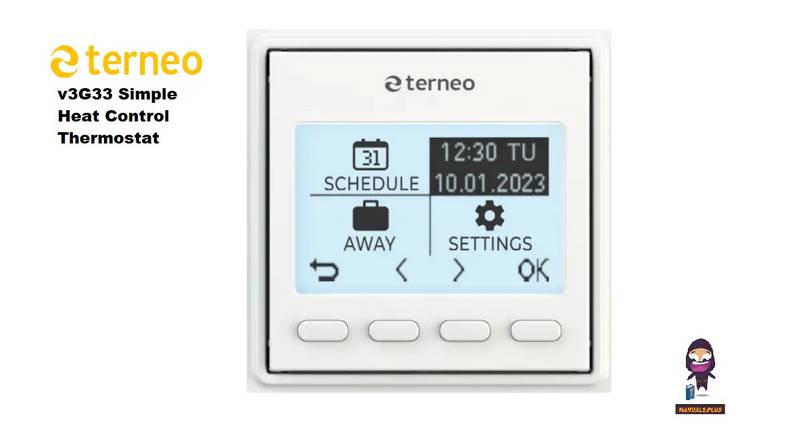
terneo v3G33 Simple Heat Control Thermostat Instruction Manual

EBECO EB-Therm 205 Thermostat User Guide

EAE TECHNOLOGY KNX ORIA Thermostat Installation Guide