
Honywell UtilityPRO Series Thermostat User Manual


TM
UtilityPRO Series
Save Money by Setting Program Schedules
It is easy to program your system for maximum energy savings. You can program four
time periods each day, with different settings for weekdays and weekends.
WAKE
6:00 am
Set to the time you awaken and the temperature you want
during the morning, until you leave for the day.
70 °
LEAVE
Set to the time you leave home and the temperature you
want while you are away (usually an energy-saving level).
8:00 am
62 °
RETURN
Set to the time you return home and the temperature you
want during the evening, until bedtime.
6:00 pm
70 °
SLEEP
Set to the time you go to bed and the temperature you want
overnight (usually an energy-saving level).
10:00 pm
62 °
15

| General | Details |
|---|---|
| Name | Honywell UtilityPRO Series Thermostat User Manual |
| Make | Honywell |
| Language | English |
| Filetype | PDF (Download) |
| File size | 0.54 MB |
 (1 votes, average: 5.00 out of 5)
 Loading...


ENGO Controls E901WIFI Internet Wireless Thermostat User Guide

Robertshaw RS9320T Programmable Touchscreen Wall Thermostat Instruction Manual

heatit Z-Temp2 Wireless Thermostat Instruction Manual

GENERAL Life MITRA 220 Wired Room Thermostat User Guide

ENGO E901 Wireless Internet Thermostat User Manual

CH200SA Versatile Deluxe Low Voltage Thermostat Installation Guide

Danfoss RMT-230 Room Thermostat Installation Guide

Honeywell Home DT92E Wireless Room Thermostat User Manual
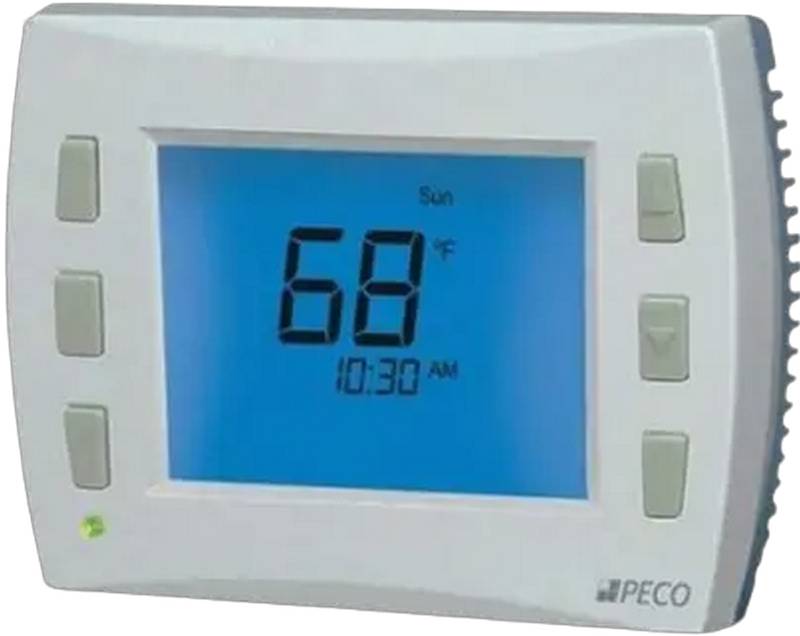
PECO CONTROL SYSTEMS T8168B-2 BACnet IP Connection Thermostat Instructions

MOES BRT-100 Radiator TRV Thermostat Instruction Manual