
Dettson 2-Stage WiFi Thermostat R02P033 Owner’s Manual


the temporary temperature set point can be adjusted.
OFF: In this state, the system will not be running.
Auto: In this state, the system will maintain the set temperature, automatically switching between
heating and cooling based on room temperature.
Heat: If the room temperature is 1°C colder than the set point, the thermostat will display Heat on
and activate the first heating stage. If the room temperature is 2°C colder than the set point, the
second stage will be activated and AUX will be displayed (2-stage systems only). The second stage
is deactivated when room temperature is within 1°C of the set point. The first stage is deactivated
when room temperature reaches the set point.
With a heat pump system: The reversing valve signal B is activated (signal O is deactivated). Below
3 degrees, auxiliary heat is activated and AUX will be displayed on the thermostat.
Cool: If the room temperature is 1°C hotter than the set point, the thermostat will display Cool on
and activate the first cooling stage. If the room temperature is 2°C colder than the set point, the
second stage will be activated (2-stage systems only). The second stage is deactivated when room
temperature is within 1°C of the set point. The first stage is deactivated when room temperature
reaches the set point.
With a heat pump system: The reversing valve signal O is activated (signal B is deactivated).
Compressor Protection
After an operation of the heat pump, there will be a one minute delay before processing a new
demand. to protect the compressor. Wait will be displayed if another request is made during this
delay.
Fan Mode
Press
to switch between Fan On and Fan Auto.
When Fan On is selected, the circulating fan is always on. When Fan Auto is selected, the circulating
fan will run only when there is a heating or cooling demand. If the system mode is set to OFF, the
fan will always be off.
2.4 Schedule Settings
Press
to switch between Schedule, Hold and Hold Until (Holiday) scheduling options.
Schedule
Each of
stand for one time period of the day.
Setting the schedule is only possible if one of these four icons is displayed, and the system mode not
is set to OFF.
7

| General | Details |
|---|---|
| Name | Dettson 2-Stage WiFi Thermostat R02P033 Owner’s Manual |
| Make | Dettson |
| Language | English |
| Filetype | PDF (Download) |
| File size | 0.15 MB |
 (1 votes, average: 5.00 out of 5)
 Loading...

Dettson R02P034 Communicating Thermostat Instruction Manual


htc HYT001 WIFI Digital Heating Thermostat User Manual

VEVOR ET-72G Programmable Thermostat Instruction Manual

INKBIRD C216T-C226T Plug In Timer Thermostat User Manual

Unisenza 230V-24V Stats Wired and Wireless Thermostat User Manual
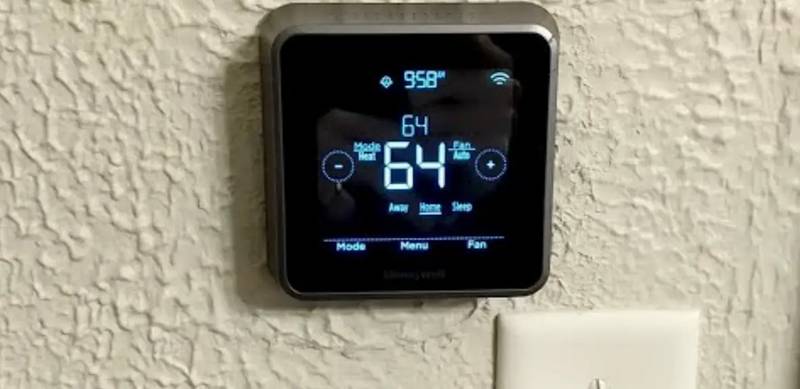
Honeywell Home RTH Series T5 Smart Thermostat Installation Guide

YOLINK YS4003-UC Smart Thermostat User Guide

GENERAL FH25S Underfloor Heating Thermostat Owner’s Manual

BOSCH RT20 RF Room Thermostat User Manual

ALARM ADC-T25 Smart Thermostat Installation Guide

FC610 Bandary Smart Thermostat Owner’s Manual