
BAXI uSense 2 Wired Smart Thermostat Gateway Installation Guide




6. Slacken the screws at the sides of the
connectors and insert each wire into the
top at either side of the connector, then
re-tighten the screws
7. Make sure the wires are as flat as possible
against the back plate so that they do
not interfere with the controller when it is
mounted in position
8. Press the room unit onto the backplate until
it clicks into place
9. Connect the other end of the wires
to the R-BUS terminals in the gateway
(there is no polarity - either wire can be
connected to either position)
10.
The connection between the room
unit and gateway is low voltage,
230 V will damage the room unit
and gateway!
11

| General | Details |
|---|---|
| Name | BAXI uSense 2 Wired Smart Thermostat Gateway Installation Guide |
| Make | BAXI |
| Language | English |
| Filetype | PDF (Download) |
| File size | 0.41 MB |
 (1 votes, average: 5.00 out of 5)
 Loading...

BAXI uSense 2 Wired Smart Thermostat Installation Guide

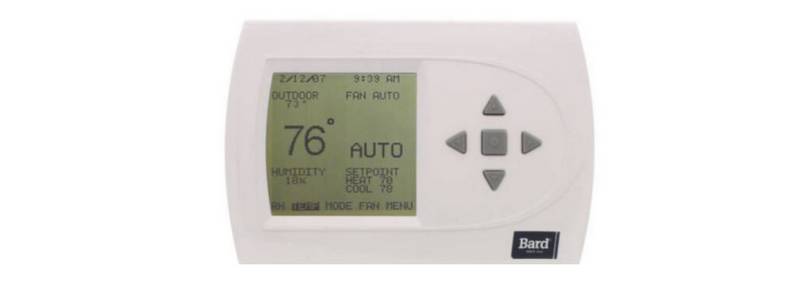
BARD THERMOSTAT Menu Driven Display 1120-445A User Manual

MOES ZTRV-BY-100 Radiator Thermostat User Guide

BEOK CONTROLS TGR86 WiFi Thermostat User Guide

PECO T8168B-2 BACnet Proportional Thermostat Installation Guide

EcoNet RETST800SYS Smart Thermostat User Guide

nVent GM-TA Thermostat User Manual

GENERAL LIFE ARUNA 302S Wired Room Thermostat User Manual

VEVOR ET-72G Programmable Thermostat Instruction Manual

EUROLAMP HY08BW Digital Heating Smart Thermostat User Manual

GENERAL LIFE FH250S Underfloor Heating Thermostat User Manual