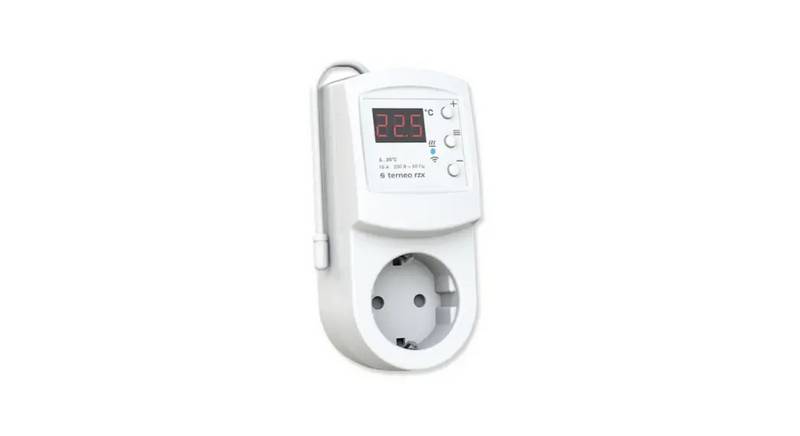
Home > asa ELECTRONICS > ASA Electronics ACTH12 Digital LCD Thermostat Instruction Manual

ASA Electronics ACTH12 Digital LCD Thermostat Instruction Manual

ACTH12 DIGITAL LCD THERMOSTAT MANUAL  
GeneralDetails
NameASA Electronics ACTH12 Digital LCD Thermostat Instruction Manual
Makeasa ELECTRONICS
LanguageEnglish
FiletypePDF (Download)
File size0.17 MB
Download PDF
1 Star2 Stars3 Stars4 Stars5 Stars (1 votes, average: 5.00 out of 5)
Loading...

ASA Electronics ACTH12 Digital LCD Thermostat Instruction Manual
Get the free PDF manual for the ASA Electronics ACTH12 Digital LCD Thermostat Instruction Manual and access setup steps, usage instructions, and troubleshooting tips. 👉 View online or download now to keep your thermostat running smoothly!
ASA Electronics ACTH12 Digital LCD Thermostat Instruction Manual Overview

Summary of Contents

  • Page 1: Page 1
  • Page 2: Features include digital communication, liquid crystal display with room and set temperature, and blue LED illumination. The system is compatible with cooling, heat pumps, heat strips, and furnaces. To operate, press and hold for 3 seconds to turn the system on or off. Select the desired mode and room temperature by pressing the respective buttons. The temperature format can be changed from Fahrenheit to Celsius by pressing and holding buttons together for 3 seconds. Fan operation allows cycling through available settings and speeds, with the fan running continuously in the On setting. In cooling operation, the compressor cycles on and off based on room and set temperature, with the fan running first.
  • Page 3: Heat pump operation involves the compressor cycling On/Off based on the room/set temperature. The fan runs first, followed by the compressor after approximately 3 minutes. If the outdoor temperature is below 38°F, the heat pump will not operate, and the thermostat will activate the furnace as the main heat source. The fan will continue to run as set. Heat strip operation also cycles On/Off based on the room/set temperature, with a 20-second delay for heat buildup. Once the set temperature is reached, the heat strip shuts off, and the fan runs for an additional 30 seconds to blow residual heat. Furnace operation is triggered by the thermostat providing a 12VDC signal to activate the RV furnace. The fan settings can be adjusted to Auto, On High/Medium/Low, or Off. In Auto mode, the fan runs for 30 seconds after reaching the set temperature. The thermostat error code table and factory reset instructions are included. To reset, start with the thermostat in Off mode and press and hold specific buttons simultaneously. The LCD will flash during the process, indicating a reset to factory settings.
  • Page 4: MAINTENANCE Thermostat: Use a moist, soft cloth to clean the thermostat. Do not spray water or solvents on the thermostat. Frost formation on indoor coil: Under certain conditions, frost may form on the indoor coil. Inspect the filter and clean if dirty. Ensure air louvers are not obstructed. Adjust the thermostat control to a warmer setting to prevent frost. SERVICE If the unit does not operate: Check if the generator is running and producing the proper power. Ensure the supply breaker is sized properly and the unit is plugged into the power supply. Check your fuse or circuit breaker. Call your local service center for further help. IMPORTANT WARRANTY INFORMATION Do not return defective product to your place of purchase.
  • Page 5: Page 5