
WATTS W561 WiFi Thermostat Instruction Manual


Sequence of Operation
Heating Operation
The heating setpoint can be set from 40 to 95°F (4.5 to 35°C). The Heat On symbol is shown
on the display when the thermostat is heating. Heating for freeze protection is provided
whenever the air or floor temperature falls below 40°F (4.5°C), regardless of operating mode.
Regular Heating
W1 relay is on when the air temperature falls 1.5°F (1°C) below the Heat To setting.
When the temperature reaches the Heat To setting, the relay turns off.
Radiant Floor Heating
When Radiant Floor Heating is selected in the setup menu, the W1 relay operates using
Pulse Width Modulation. This improves comfort for radiant systems with high mass floors.
• 100% on time at Heat To setting -1.5
• 50% on time at Heat To setting
• 0% on time at Heat To setting + 1.5
°F
°F
Room Sensor and Averaging
The thermostat can measure room temperature between -46 to 212°F (-43 to 100°C).
The room temperature can be measured using a combination of the built-in and
auxiliary sensors.
• Built-in room sensor only
• Built-in room sensor with auxiliary room sensor(s) (temperature is averaged)
• Auxiliary room sensor only
Floor Sensor for Radiant Floor Heating
The thermostat can measure floor temperature between -46 to 212°F (-43 to 100°C).
If a floor sensor is connected, floor minimum and maximum settings are available.
The floor heating setpoint is adjustable from 40 to 100°F (4.5 to 38.0°C).
For a combination of air and floor temperature control, leave the internal air sensor on
in the setup menu. A floor minimum can be used to prevent a fast drop in temperature
caused by receding solar exposure. This operation is recommended for areas heated
by afternoon sun through large windows. When the sun sets, it can take a long time
for the floors to get warm again. This may cause the room to cool off too much in the
early evening. A floor minimum setting can help with this condition by maintaining a
floor minimum temperature. Keep in mind the floor minimum temperature will override
the air temperature, and if set too high, may overheat the room.
A floor maximum is recommended for rooms with hardwood floors. Setting floor
minimum and maximum temperatures is a way of enhancing the comfort of the living
space while protecting floor coverings.
If there are more than one floor temperature sensors, the temperature is averaged.
Warm Weather Shut Down (WWSD)
The heating system can automatically shut off based upon the outdoor temperature
and the WWSD setting. This provides a convenient way to shut off radiant floor heating.
10

| General | Details |
|---|---|
| Name | WATTS W561 WiFi Thermostat Instruction Manual |
| Make | WATTS |
| Language | English |
| Filetype | PDF (Download) |
| File size | 0.38 MB |
 (1 votes, average: 5.00 out of 5)
 Loading...

WATTS IOM-T-564 tekmar Invita WiFi Thermostat Instruction Manual

WATTS IOM-T-563 Tekmar WiFi Thermostat Installation Guide

WATTS BT-A03 RF Electronic Room Thermostat Installation Guide

WATTS TEK564 Invita WiFi Thermostat Instruction Manual

WATTS WTC-ES Contact Thermostat User Manual

WATTS 563 WiFi Thermostat User Manual

WATTS Tekmar Wi-Fi Thermostat Instruction Manual


TOUPWELL TP808 WiFi Low Voltage Thermostat User Guide

TFC Group OP-WFSTAT Wi-Fi Thermostat User Guide
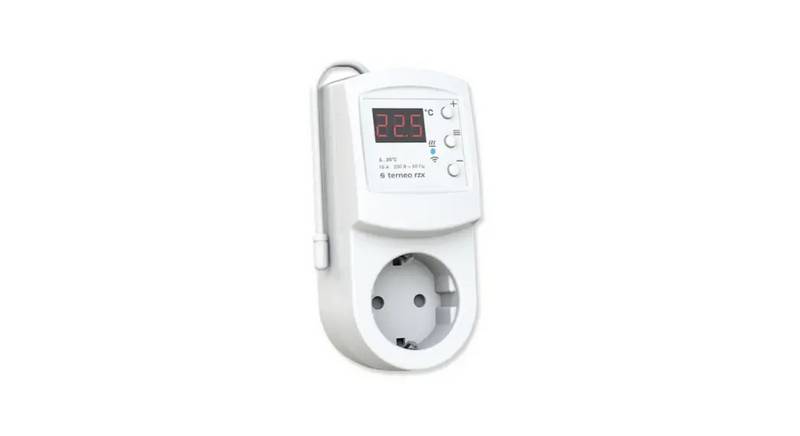
terneo rzx Smart Thermostat User Manual

GENERAL LIFE HT220S RF Digital Room Thermostat User Manual

Danfoss TP5001 Programmable Room Thermostat User Guide

Honeywell TH6320U2008 Pro Programmable Thermostat Installation Guide

SITERWELL GS368 Smart Programmable Thermostat User Manual

Danfoss KPU 19 Thermostat Installation Guide

Moes WTP-BY-EU BHT-12 Smart Thermostat Instruction Manual

VIMAR 02913 Surface LTE Thermostat Installation Guide