
tekmar U-T-562 WiFi Thermostat User Manual


Time
When connected to the Internet, the time can be set automatically.
The time and date can be manually set by highlighting a field and
TIME & DATE
Aug
1
25
30
2016
PM
then using the
or
buttons.
OPTIONS
Time options are:
• 12 hour or 24 hour time format
• Automatic or manual time setting
• Time zone
• Daylight savings time
Incorrectly setting the time and date manually may prevent the thermostat from
communicating to the mobile app. Automatic time source is recommended when using
an Internet connection.
Fan
Fan
Fan
The fan is normally off when set to
auto but turns on when needed for
the heating or cooling equipment.
On
Wake
Leave
Return
Sleep
On
Auto
On
Auto
Auto
When a programmable schedule
is used, there is a fan setting for
each time period.
U-T-562 2215
© 2022 tekmar
5

| General | Details |
|---|---|
| Name | tekmar U-T-562 WiFi Thermostat User Manual |
| Make | tekmar |
| Language | English |
| Filetype | PDF (Download) |
| File size | 0.22 MB |
 (1 votes, average: 5.00 out of 5)
 Loading...

tekmar TEK564 Invita WiFi Thermostat User Manual

tekmar T-560 Touchscreen Thermostat User Manual

tekmar IOM-T-560 Programmable Thermostat Instruction Manual

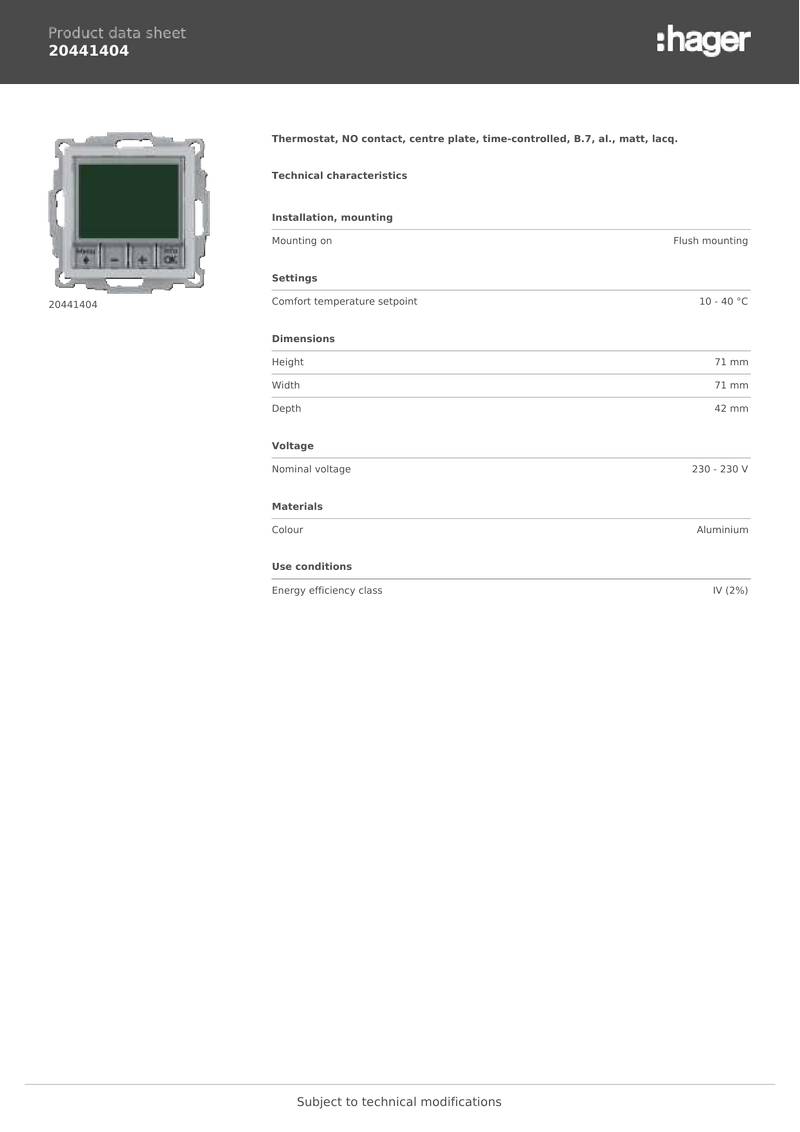
hager 20441404 Thermostat Owner’s Manual

ADEPT T6100 Thermostat Instruction Manual

Danfoss VICUQ25H, 088N3663 Icon Programmable 230V Room Thermostat Installation Guide

Living Heat T5 Touch Screen Digital Smart Thermostat Instructions

FantiniCosmi CH123E 230V Flush Mounting Thermostat Installation Guide

vivint VS-ZGBTHERM-001 Smart Thermostat User Guide

PRO1 T701 Digital Non Programmable Thermostat Instruction Manual

fontastic RAVL Wireless Radiator Thermostat User Manual

SIEMENS ET 134-22 Low Temperature Detection Thermostat Instructions

expert4house BHT-8000 Heating Thermostat User Guide