
Stelpro Uniwatt UTE202NP NON PROGRAMMABLE ELECTRONIC THERMOSTAT


When the Fan mode is activated, the stop or minimum heating time (off/on) for
a complete 10 minute cycle is established at 90 seconds (factory setting). You
can adjust it from 90 to 300 seconds. This is done to limit the amount of times
the thermostat will turn on or off. Also, if the thermostat reaches a differential
superior or inferior to the 2 degrees requested, it will shut off immediately. The
deactivation of the Fan mode will cause the thermostat to go back to the heating
cycle previously programmed.
Once the adjustment is finished, you can exit the adjustment mode by not
pressing any buttons for 5 seconds.
VENTILATION INTERVALS DURATION
You can adjust the minimum time between the fan startups and shutdowns. This
adjustment is similar to the fan activation procedure. First, you have to enter the
fan adjustment mode, as described in the previous section. Then, you must press
down the bottom button for 3 seconds, until the
icon blinks. A duration in
seconds will appear. You can adjust it from 90 (factory setting) to 300 seconds
by increments of 30 seconds. Once the adjustment is done, you can exit the
adjusment mode by not pressing down any button during 5 seconds.
PARAMETERS SAVING AND POWER FAILURES
The thermostat saves some parameters in a non-volatile memory to be able to
recover them after being shut off (a power failure, for example). These parameters
are the set point, the state of the Security mode, the maximum symbol of the
Security mode, the Celsius/Fahrenheit symbol, the Fan mode and the number of
minutes associated to a heating cycle. These parameters are saved every minute
if any changes are made.
The Security mode is reactivated if it was previously activated. However, the icon
will blink for 5 minutes, during which it is possible to deactivate the Security mode
by pressing down both buttons simultaneously for 13 seconds. If this is not done,
the Security mode will remain activated and the icon will stop blinking.
10
INSUTE202NP0316

| General | Details |
|---|---|
| Name | Stelpro Uniwatt UTE202NP NON PROGRAMMABLE ELECTRONIC THERMOSTAT |
| Make | StelPro |
| Language | English |
| Filetype | PDF (Download) |
| File size | 0.23 MB |
 (1 votes, average: 5.00 out of 5)
 Loading...

STELPRO STF362NP Floor Heating Thermostat Owner’s Manual

STELPRO ST302P Programmable Electronic Thermostat Owner’s Manual

STELPRO SAT402ZB Smart Thermostat User Guide

STELPRO ST252NPFF Non-Programmable Electronic Thermostat Owner’s Manual

STELPRO ST402PFF Programmable Electronic Thermostat Owner’s Manual

STELPRO ASMC402 Maestro Zigbee Smart Programmable Thermostat User Guide

STELPRO SIBTE12C Electronic Thermostat Owner’s Manual

STELPRO STZW402+ Electronic Thermostat for The Smart Home Owner’s Manual

STELPRO SIBTE13F Electronic Thermostat User Guide

STELPRO STCP MULTIPLE PROGRAMMING ELECTRONIC THERMOSTAT User Guide


GENERAL HT220S Digital Room Thermostat User Manual

Ebeco EB-Therm 55 Thermostat User Manual

VIESSMANN ViCare ZK05991 Wireless Thermostat Instruction Manual

Bio Green PAL 2.0 USDT Palma Greenhouse Heater with Thermostat Instruction Manual

WILLIAMS P322016 Thermostat Instruction Manual

EPH CONTROLS HRT Battery Operated Non Programmable Thermostat Installation Guide

Honeywell TH6320ZW T6 Pro Z-Wave Programmable Thermostat User Guide

Robertshaw RS1110 Programmable 1 Heat 1 Cool Wall Thermostat Instruction Manual
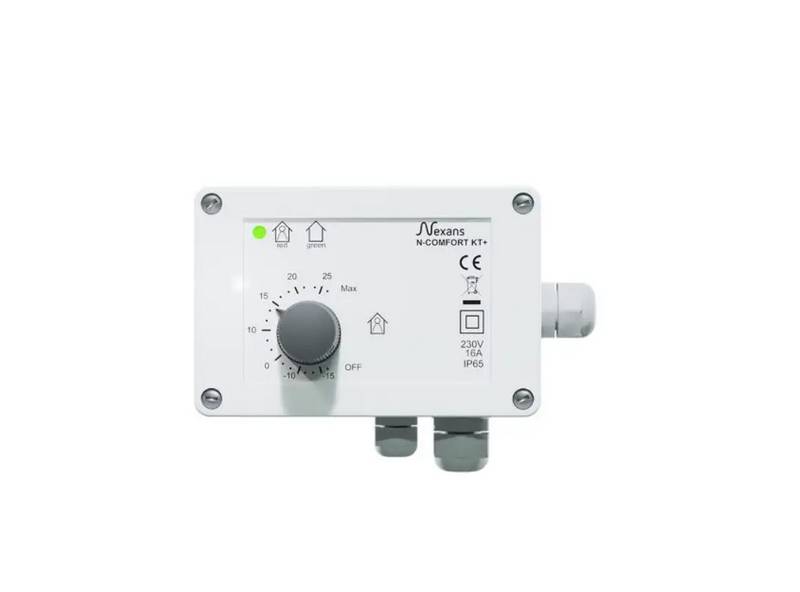
Nexans N-Comfort Kt+ Thermostat Instruction Manual

iO HVAC CONTROLS Z-2000-T Thermostat Instruction Manual