
Home > HASWILL ELECTRONICS > Haswill Electronics AL8010H Thermostat User Guide
Haswill Electronics AL8010H Thermostat User Guide


3) Press the
key to save new data.
If you found the “SP” cannot reach your ideal value, you
must first change the range limitation (LS & HS).
3.2. Set the “Hysteresis” Value?
Hold the
Next, press the direction key to find the “D.”
Press the key to see the current value and press
the direction key to change it.
key for 3s; you will see the code HC.
At last, press the
key to save the new data.
4. Load Works Conditions
4.1. When HC = H, works if
➢
Sensor Temp. ≤ SP – Temp. Hysteresis (D)
4.2. When HC = C, reach all below conditions
➢
The time should be later than:
the compressor last stops moment + PT
4 / 5

| General | Details |
|---|---|
| Name | Haswill Electronics AL8010H Thermostat User Guide |
| Make | HASWILL ELECTRONICS |
| Language | English |
| Filetype | PDF (Download) |
| File size | 0.25 MB |
 (1 votes, average: 5.00 out of 5)
 Loading...

Haswill Electronics STC-9100 Thermostat User Manual

Haswill Electronics RC-113M PID Thermostat User Guide

Haswill Electronics STC-8080A+ Thermostat User Guide

HASWILL ELECTRONICS STC-200 Thermostat User Guide

Haswill Electronics STC-9200 Thermostat User Guide

Haswill Electronics STC-8080H Thermostat User Guide

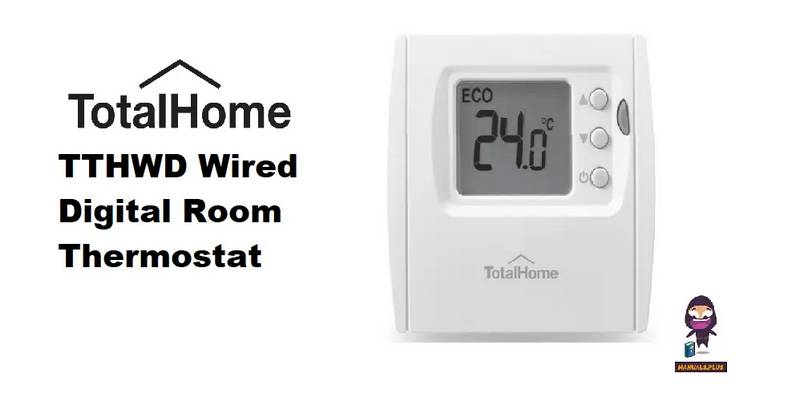
Total Home TTHWD Wired Digital Room Thermostat User Guide

tado 104388 Smart Thermostat Installation Guide

CENTER EHE0200123 Wired 7 Day Programmable Thermostat Installation Guide

ideal HEATING Halo Lite RF Combi Wi-Fi Wireless Boiler Thermostat Instructions

OSCAR OS20 LCD Thermostat Instruction Manual

Meross MTS960 Smart Wi-Fi Socket Thermostat Instruction Manual

Danfoss REPI Series Digital Thermostat User Manual

Hansgrohe 13125000 Ecostat E Wall Mounted Shower Thermostat Instruction Manual

degrii THP Remote Thermostat User Guide

Danfoss VICUX40F Icon Dial 230V Room Thermostat Installation Guide