
DAIKIN ONE+ Smart Thermostat User Manual


For systems that have both heating and cooling, you have the
ability to choose a mode: auto (the thermostat will select
the mode based on the condition and set temperature),
cool (only), heat (only), or off.
How to
Switch Modes
5
From the Home Screen
Simply tap the mode icons located on the left-hand
side of the current temperature.
From the Settings Menu
Access settings from any primary screen by tapping
the menu icon. Then select system mode.
settings
main room
system mode
display
schedule
°
away
comfort
72
air quality
utility demand response
configuration

| General | Details |
|---|---|
| Name | DAIKIN ONE+ Smart Thermostat User Manual |
| Make | Daikin |
| Language | English |
| Filetype | PDF (Download) |
| File size | 1.02 MB |
 (1 votes, average: 5.00 out of 5)
 Loading...

DAIKIN One Lite Smart Thermostat User Guide

Daikin One Lite Smart Thermostat Instruction Manual

DAIKIN DTST-ONE-ADA-A One Touch Smart Thermostat Installation Guide

DAIKIN IM 1368 Vertical Stack WSHP Thermostat Instruction Manual

DAIKIN IM 1366 Remote Integrated Thermostat Instruction Manual

DAIKIN TRC-11 One Lite Connected Thermostat Instruction Manual

DAIKIN ONE Smart Thermostat Instructions

DAIKIN DKN509 Wireless Communicating Thermostat Instruction Manual

DAIKIN SQNSQ22 One Touch Smart Thermostat User Manual

EMSQ22 Daikin ONE Lite Smart Thermostat User Manual


ideal HEATING Halo Combi RF Wireless Boiler Thermostat User Guide

hysencontrol HYT001 WIFI Digital Heating Thermostat Instruction Manual

WIFI Temp2 Battery Operated Thermostat Installation Guide

Danfoss CET B-RF Wireless Electronic Hot Water Cylinder Thermostat Installation Guide

Smart Radiator Thermostat Expansion Instruction Manual

sensi Lite Zigbee Smart Thermostat Installation Guide

STELPRO STZW402+ Electronic Thermostat Owner’s Manual

Honeywell TH8321WF02 Vision Pro WiFi Programmable Thermostat User Manual
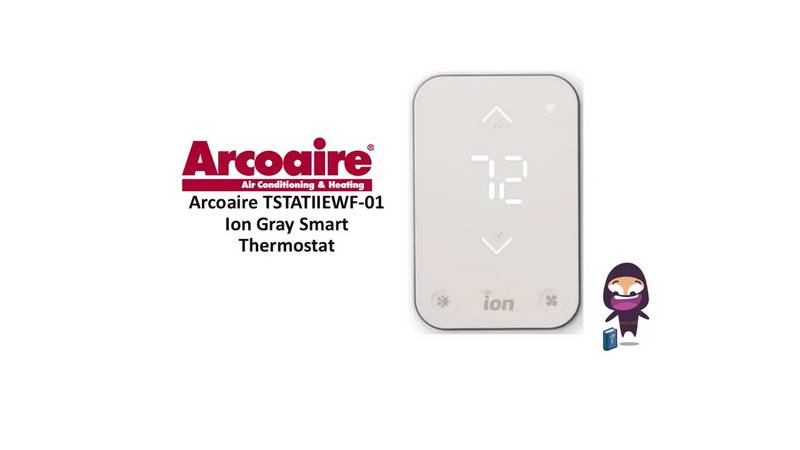
Arcoaire TSTATIIEWF-01 Ion Gray Smart Thermostat Owner’s Manual

Honeywell Home X8S Smart Thermostat User Guide