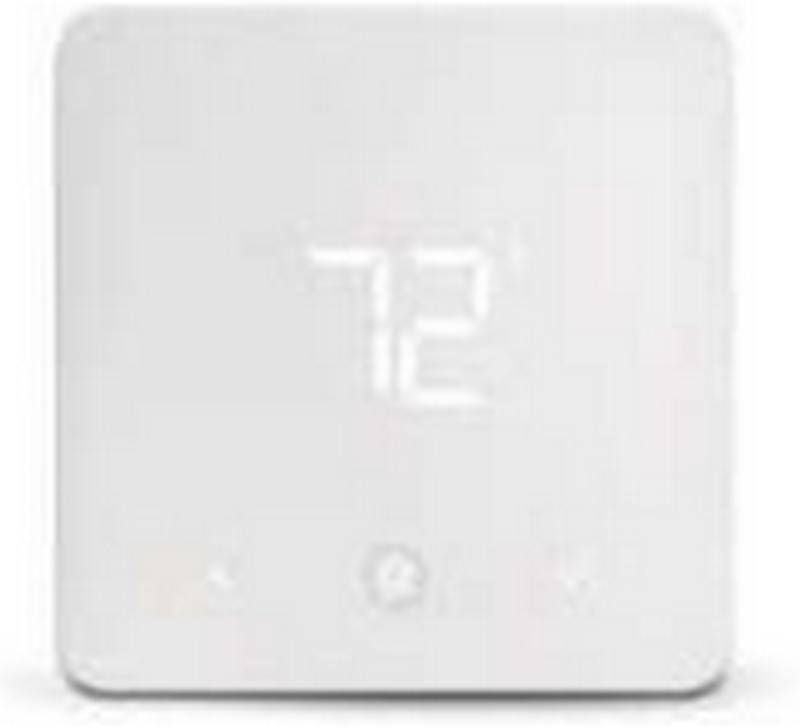
American Standard ACONT102 Non Programmable Thermostat User Guide


| General | Details |
|---|---|
| Name | American Standard ACONT102 Non Programmable Thermostat User Guide |
| Make | American Standard |
| Language | English |
| Filetype | PDF (Download) |
| File size | 0.4 MB |
 (1 votes, average: 5.00 out of 5)
 Loading...


American Standard ACONT102 Manual: Questions and Answers
What do the icons mean on the American Standard ACONT102 display?
A flame symbol shows HEAT mode is active. A snowflake symbol (non-flashing) shows COOL mode is active. A flashing snowflake shows the compressor is in lockout mode with a 5 minute minimum off time. A battery symbol means the 2 AAA batteries are low and need replacement. User Guide, p. 9
Can I adjust the temperature display on my American Standard thermostat if it doesn't match my old one?
Yes, within a ±3° range. Press the up and down arrows together for two seconds with the SYSTEM switch in OFF position, then use the arrows to adjust the displayed temperature to your desired setting. Move the SYSTEM switch from OFF to exit. User Guide, p. 10
Where does the Y terminal on American Standard ACONT102 connect?
Y connects to Y1 on the indoor unit for cooling with TAM7/TAM9 or S9V2 furnace, or to Y on the indoor unit for GAF2-S.
| Configuration | Y Terminal Connection |
|---|---|
| TAM7/TAM9 (24V Mode) | Y1 on indoor unit |
| GAF2-S | Y on indoor unit |
| S9V2 Furnace | Y1 on indoor unit |
| Heat Cool Package with Variable Speed Blower | Y1 on indoor unit |
How do I wire a third party condensate overflow switch to American Standard?
Wire the condensate overflow switch between Y on the thermostat and Y1 on the airflow control board. User Guide, p. 5
More American Standard thermostat manuals