
telkonet Aida Wireless Thermostat User Guide


Aida IOM
FIGURE 2-1: Backplate Openings A and B, Separate High, Low Voltage Wire
NOTE: For variable output connections: see See Proportional Valve Control; Ana-
log Output on page 20
15. Line up the hinges on the thermostat to the notches on the backplate.
16. Press the top of the thermostat tightly against the backplate.
17. Slowly lower the bottom side toward the wall. Use care not to force the faceplate
closed. If you encounter resistance, check to make sure no wires are pinched
between components.
18. Return the electrical circuit to operation. Remove all lockouts or tags from the
circuit breaker and enable any disconnects.
19. Verify the thermostat display is active.
20. Test all components to make sure that you can engage both the heat and cool,
and all supported fan settings (high, low, etc.). Wiring is complete.
21. Once the thermostat has been snapped onto the back plate, use a Phillips head
screwdriver to insert the safety screw.
Chapter 2: Installation
10

| General | Details |
|---|---|
| Name | telkonet Aida Wireless Thermostat User Guide |
| Make | telkonet |
| Language | English |
| Filetype | PDF (Download) |
| File size | 0.36 MB |
 (1 votes, average: 5.00 out of 5)
 Loading...


Shanghai Beok Controls TGR85 Smart Zigbee Underfloor Heating Thermostat User Guide

AIRZONE AZS62THINKRB, AZS62THINKRN Wireless Think Thermostat Instruction Manual

Danfoss living eco Intelligent Radiator Thermostat User Guide
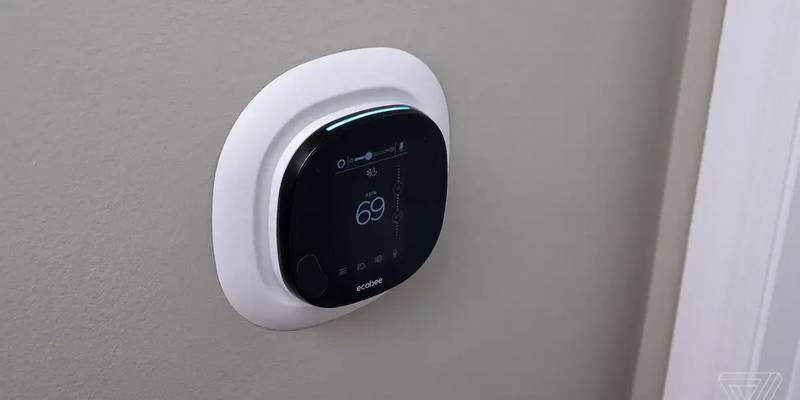
bryant ecobee3 Lite Smart Thermostat User Guide

Fudajo 52429 Chick Heating Plate with Thermostat Instruction Manual

Rayotec Coloursense Wi-Fi Thermostat Instruction Manual

GENERALLIFE FH254 Underfloor Heating Thermostat User Manual

Danfoss RT 9E Automatic Thermostat Installation Guide

Danfoss ECtemp 330 Electronic Thermostat Installation Guide

Warmup 6iE mini WiFi Thermostat User Guide