
Mi-HEAT M2 Wi-fi Bluetooth Thermostat Instruction Manual


Description Device keys
1. Mode key, short keystroke change of operating mode, long
keystroke (5 sec.) programming weekly program
2. ▲-key, for setting values or increasing the temperature
3. On/off key, short keystroke switch on or off
4. ▼- key, for setting values or decreasing the temperature
5. Eco key, short press activates or deactivates the Eco mode, long
press in the activated state - Setting time/day
Description Display icons
Auto-Mode: Weekly program, up to 6 heating events can be set per day. Heating events, periods and temperature can be set
separately according to personal routines.
Manuel-Mode: The thermostat works on the basis of the manually set temperature and turns off from the automatic mode.
Temporary mode: The thermostat will temporarily operate based on the manually set temperature and will revert to
automatic mode at the next event.
Key lock/child lock
▼ Press the keys and the ECO key (4/5) simultaneously for 3 seconds when the unit is switched on to activate or deactivate the key lock /
child lock.
Open the settings menu:
- Press the Mode key (key 1) for 3 seconds in the switched-off state to enter the extended settings mode.
- Press the Mode key several times to change the menu item.
- The values can be changed by pressing the ▲ key or ▼ keys (2/4).
- Press the On/Off key (3) to save and exit the advanced setting mode.
Code
1AdJ
Function
Temperature calibration (-9,9 – 9,9°C)
Default setting
Standard: -2,3°C / First shows the current sensor temperature and after
pressing the ▲ or ▼ key the set value. Setting depends on the sensor
selected under 2SEN (IN/ALL, OUT).
2SEN
Sensor mode (IN: internal sensor only, OUT:
external sensor only, ALL: both sensors)
Floor limiting temperature (5-60°C)
Hysteresis (0,5-10°C)
Standard: IN
3LIt
4dIF
5LtP
6PrG
Standard 35°C, for electric underfloor heating we recommend max. 27°C
Standard: +-1°C
Frost protection function (ON/OFF)
Setting for weekly programming
12345: 5/2 = Mon. - Fri. & Sat.+Sun.
123456: 6/1 = Mon. - Fri. & Sat.+Sun.
1234567: 7/0 = Mon. - Sun.
Standard: OFF
Standard: Mon, Tue, Wed, Thu, Fri (12345)
7rLE
8dLY
9HIt
Not relevant for heating operation
Not relevant for heating operation
Max. Temperature (35-95°C)
Standard: 00
Standard: 0
Standard: 50°C
AFAC
bUIt
Factory settings
Temperature unit (°C or °F)
Press ▲ key for 3 sec.
Default: °C
10

| General | Details |
|---|---|
| Name | Mi-HEAT M2 Wi-fi Bluetooth Thermostat Instruction Manual |
| Make | MI-HEAT |
| Language | English |
| Filetype | PDF (Download) |
| File size | 0.36 MB |
 (1 votes, average: 5.00 out of 5)
 Loading...

Mi-Heat GH35EU Digital Greenhouse Thermostat User Manual

MI-HEAT E51 Thermostat User Manual

MI-HEAT MST1 Room Thermostat for Underfloor Heating User Manual

MI-HEAT MTS200 WiFi Thermostat Instruction Manual

MI-HEAT WT8 WiFi Smart Thermostat User Manual


sinop TH1500ZB Smart Double Pole Thermostat User Guide

Danfoss BD271136569160en-010102 Electronic Radiator Thermostat Owner’s Manual

DAIKIN IM 1368 Vertical Stack WSHP Thermostat Instruction Manual

BOSCH 8750000270 Radiator Thermostat II Smart Home Radiator Thermostat Instructions

WILLIAMS P322016 Millivolt Wall Thermostat Instructions

GENERALLIFE HT300S Digital Room Thermostat User Manual

BROUWLAND Brew Monk Fermenter Digital Thermostat Instruction Manual

WHITE-RODGERS 1F86-0471 Blue Single 1 1 Stage Thermostat Instruction Manual

ENGO CONTROLS SE901WIFI Wireless Internet Wi-Fi Thermostat User Guide
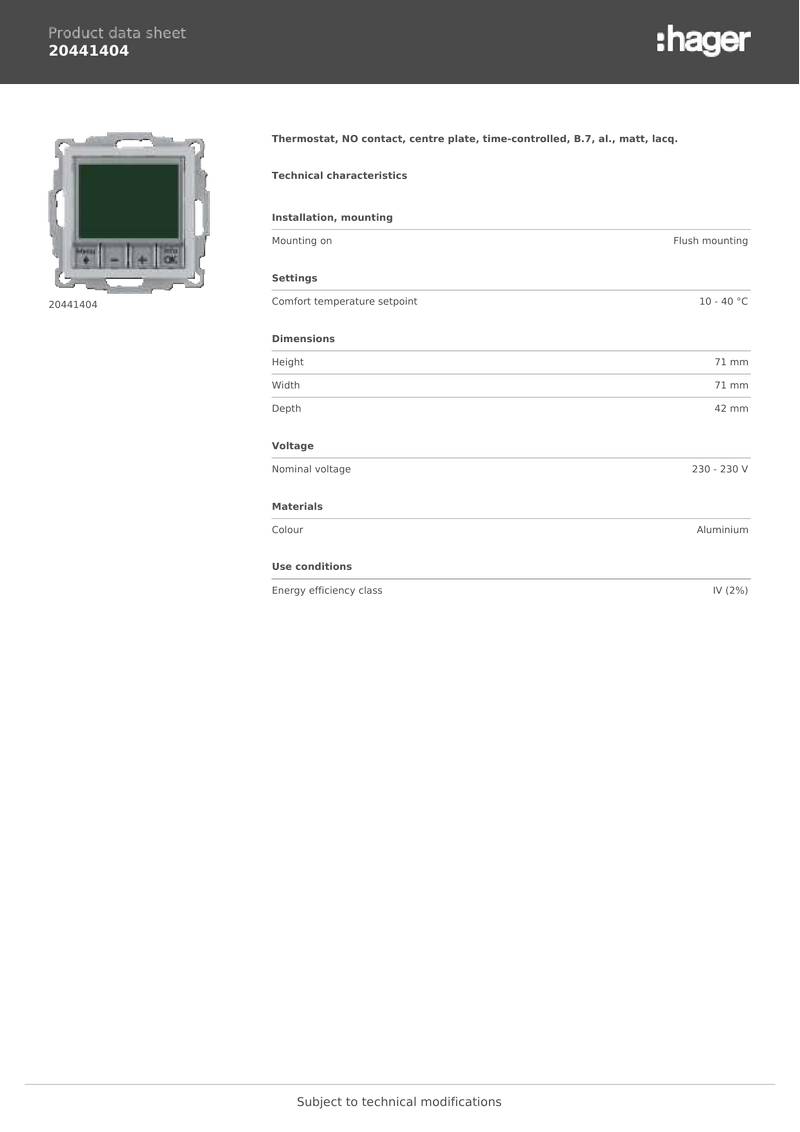
hager 20441404 Thermostat Owner’s Manual