
Gigaset ONE X Thermostat User Guide
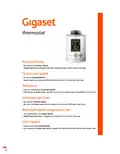






thermostat
Kurzanleitung
- für Nutzer von Smart Home
- smart care Nutzer folgen bitte den Anweisungen in der smart care App
Quick-start guide
- for users of Smart Home
- smart care users, please follow the instructions in the smart care app
Mémento
- pour les utilisateurs de Smart Home
-
utilisateurs de smart care : veuillez suivre les consignes dans l‘application smart care
Istruzioni per l‘uso
- per utenti di Smart Home
- gli utenti di smart care devono seguire le istruzioni dell’app smart care
Beknopte bedieningsinstructies
- voor gebruikers van Smart Home
- smart care-gebruikers volgen de instructies in de smart care-app
Guía rápida
- para usuarios de Smart Home
-
los usuarios de smart care deben seguir las instrucciones de la aplicación smart care


| General | Details |
|---|---|
| Name | Gigaset ONE X Thermostat User Guide |
| Make | Gigaset |
| Language | English |
| Filetype | PDF (Download) |
| File size | 0.1 MB |
 (1 votes, average: 5.00 out of 5)
 Loading...


Gigaset Thermostat Instruction Manual

Gigaset ONE X Manual: Questions and Answers
What do the indicator lights mean on Gigaset ONE X?
Display symbols show battery status, wireless connection, and active features.
| Indicator | Meaning |
|---|---|
| Information icon | Mechanical functions or wireless connection and pairing |
| Battery icon | Lights when charge drops below 15% |
| Lock icon | Child safety lock is activated |
| Solid light with temperature | Appears alongside desired temperature display |
How do I install Gigaset ONE onto my heating valve?
Turn the radiator thermostat to its highest setting, remove the old thermostat, then screw the new one onto the valve.
- Set the radiator thermostat to the highest level, usually 5.
- Undo the attachment by turning a screwed ring with a screwdriver or using water pump pliers, depending on your model.
- Remove the old radiator thermostat by turning it if necessary.
- Fit any required adapter over the heating valve first if specified for your radiator model.
- Screw the Gigaset ONE onto the heating valve. User Guide, p. 10
What's the difference between holding and clicking the buttons?
Clicking toggles boost mode. Holding raises the desired temperature in 0.5° steps. User Guide, p. 9
More Gigaset thermostat manuals

Honeywell RTH6360 Series Programmable Thermostat Installation Guide

SALUS Wired Digital Thermostat – Non-programmable HTRS230 User Manual

GENERAL HT300S Wired Room Thermostat User Guide

Danfoss ECtemp 330 Electronic Thermostat Installation Guide

amazon basics B07W85DJQV 3 Heat ECO Setting 2 Fans Speed Thermostat Instruction Manual

GENERAL HT330S Smart Room Thermostat User Manual

DEVI 140F1134 Plug In Electronic Thermostat Installation Guide

ETHERMA 3 set 2024 Smart Thermostat Instruction Manual

DIGITEN WTC100 Wireless Programmable Thermostat User Manual
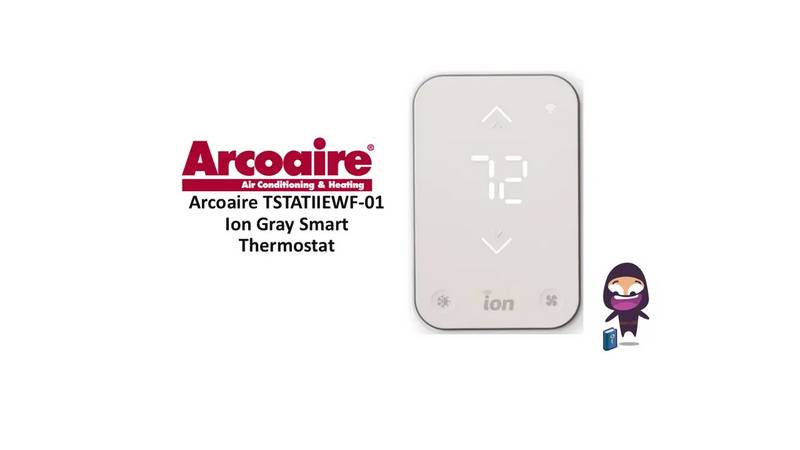
Arcoaire TSTATIIEWF-01 Ion Gray Smart Thermostat Owner’s Manual