
BEOK BOT306RF-WIFI Thermostat Owner’s Manual


For Android System: Login in Google Play, search “Beok RFBoiler”, you
can download it on your phone.
Setting And Options
dIF
Factory Default
2. Connection Thermostat with Phone
Thermostat Setting
Limit temp. return
difference
0.5-4.5℃
1℃
Set temp. upper
Limit
5-35℃
35℃
SVH
SVL
AdJ
Set temp. low
limit
5-35℃
5℃
-5-5℃(0.5℃accuracy
correction)
Press UP button for 10 seconds
Measure temp.
0.0℃
Turn-off
00:Close anti-frozen
00
00
Anti-frozen
FrE
01:Open anti-frozen
00: Unlock
01: except power switch,
all buttons are locked
02: All buttons are locked
Button lock
function
LOC
1. Download and Install APP on phone.
2. Press thermostat button for 10 seconds when thermostat is in
turn-off state, then WIFI signal will appear and quickly twinkle.
00:Close this function
Set Sequence
Number
0
SNP
FAC
01:Open this function
3. Enter your wifi name and password, then start connection configure.
08:Just display
00:Return to factory setting
Factory setting
08
VIII. Wiring Diagram
Press Configure key
Press Search key
APP Interface on the Phone
Thermostat Name
Return
Refresh
NC:Normally Closed Interface
Set Temperature
(Boiler or Loading);
COM:Common Interface
Room Temperature
Current Temperature
Heating State
(Boiler or external power input);
Set Temperature
Adjustment(down)
Screen Locking
Anti-freezing
NO:Normally Open Interface
(Boiler or Loading);
Time Matching
Period Display
Power Switch
Manual/Auto mode
The button inside receiver is Reset button. When status indicator light stay on
or not on, user can press reset button to resume normal work.
Long press into Advanced Setting
Thermostat Setting through Phone Operation
Att:
1. Clock : You can press Time Matching
clock with thermostat clock.
switch to match your phone
Installation wires should be changed to be 1.5-2.5mm² hard line.
Please rightly connect the wires strictly according to the connect diagram.
Don’t make water, mud and other debris into the thermostat, otherwise
it will damage the thermostat.
2. Children lock (screen locking) : Press
to lock the thermostat.
3. Anti-Freezing: Press thermostat will show on the screen , it
means Anti-freezing function open.
IX. WIFI Configure
4. Temperature setting: You can directly drag the pointer
Temperature Setting Dial to set temperature. Or press
temperature step.
on
and
to set
then
1. Install APP on phone
For iOS system: Login in App Store, search “ Beok RF Boiler”, you can
download it on your iphone.
5.Period setting: Long press Period Display,
you will go into the Period Setting mode:

| General | Details |
|---|---|
| Name | BEOK BOT306RF-WIFI Thermostat Owner’s Manual |
| Make | BEOK |
| Language | English |
| Filetype | PDF (Download) |
| File size | 0.31 MB |
 (1 votes, average: 5.00 out of 5)
 Loading...

BEOK Color TFT-LCD Heating Thermostat User Manual

BEOK TDS21WIFI-AC Fan Coil Thermostat Instruction Manual

BEOK TGR85-EP Underfloor Heating Thermostat User Guide

BEOK TDR89 Zigbee Room Thermostat User Guide

BEOK BOT-R7X Wireless Gas Boiler Heating Thermostat Instruction Manual

BEOK TDS23 Wi-Fi Fan Coil Thermostat Instruction Manual

BEOK TGP53 China Piano Buttons Underfloor Heating Thermostat User Guide

beok TGW60 Thermostat User Guide

BEOK TS4 Series Wi-Fi Touch Screen Thermostat User Manual

BEOK TGP53 Wifi Thermostat User Guide


Micro-Air EasyTouch 355 Touch Screen Thermostat User Manual

SALUS iT500 Internet Thermostat Installation Guide

GENERALLIFE MITRA 260S RF Wireless Room Thermostat User Manual

Honeywell Home TH2110DH 1 Cool Programmable Digital Thermostat Installation Guide

ENGO CONTROLS E901-RF Programmable Wireless Thermostat Instruction Manual

Honeywell CM907 Programmable Room Thermostat User Guide

BEOK CONTROLS BOT-R6W Boiler Thermostat User Guide

Fantini Cosmi CH121E Flush Mounting Thermostat User Manual

Agatige MH1823 Intelligent Thermostat User Guide
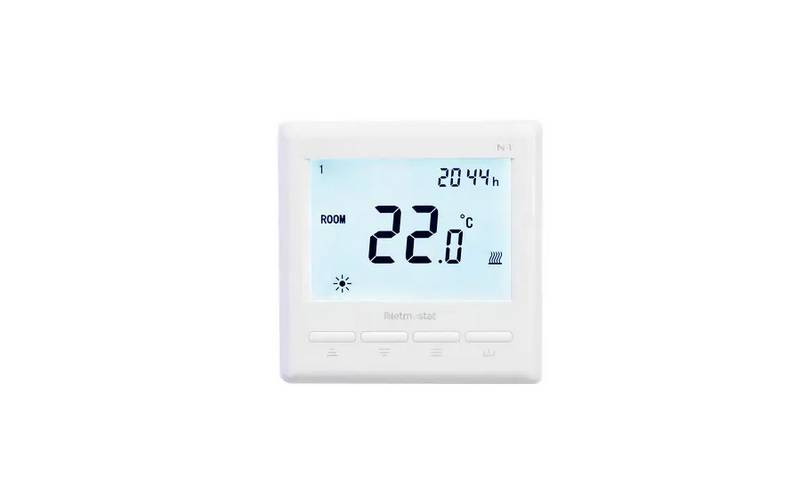
Netmostat N-1 Smart Wifi Programmable Thermostat User Manual