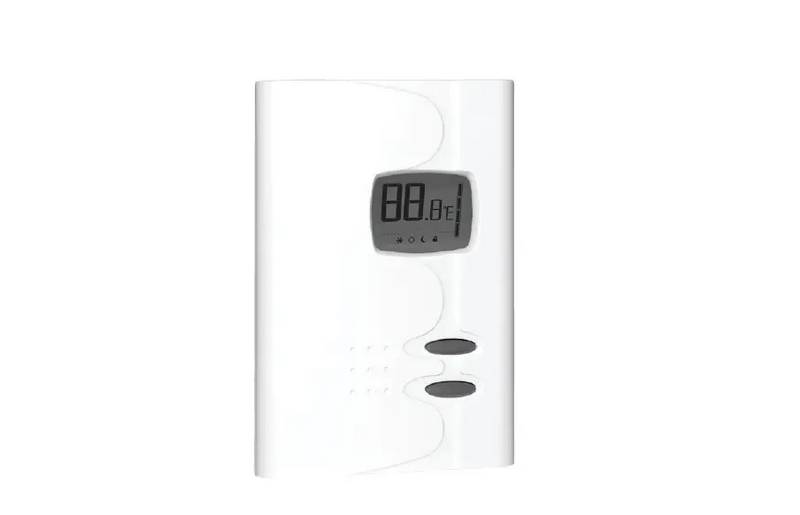
Home > WhisperKOOL > WhisperKOOL Phantom 24V Thermostat Conversion Kit Installation Guide
WhisperKOOL Phantom 24V Thermostat Conversion Kit Installation Guide
| General | Details |
|---|---|
| Name | WhisperKOOL Phantom 24V Thermostat Conversion Kit Installation Guide |
| Make | WhisperKOOL |
| Language | English |
| Filetype | PDF (Download) |
| File size | 0.24 MB |

WhisperKOOL Phantom 24V Thermostat Conversion Kit Installation Guide Overview
Summary of Contents
- Page 1: Phantom 24V thermostat conversion kit installation manual. 24V thermostat conversion kit to be used in conjunction with Phantom 3500/5000/8000. The coolest thing in wine storage.
- Page 2: Conforms to ANSI/UL Std 427. We manufacture, test and certify 100% of our wine cooling units in the USA. By sourcing the best components and closely controlling our manufacturing processes, we can assure the highest-quality, lowest defect manufacturing rates in the industry. WhisperKOOL copyrights this manual, the product design, and the design concepts, with all rights reserved. Your rights with regard to the hardware and manual are subject to the restrictions and limitations imposed by the copyright laws of the USA. Under copyright laws, this manual may not be copied, reproduced, translated, transmitted, or reduced to any printed or electronic medium or to any machine-readable form, for any purpose, in whole or in part, without the written consent of WhisperKOOL. Every effort has been made to ensure that the information in this manual is accurate. WhisperKOOL reserves the right to make corrections or improvements to the information provided and to the related hardware at any time, without notice. Vinothèque and WhisperKOOL are registered trademarks, and ECE is a trademark of WhisperKOOL. Mention of third-party products is for informational purposes only and constitutes neither an endorsement nor a recommendation.
- Page 3: Receiving & inspecting the kit Before you start 24V thermostat conversion kit Installation instructions
- Page 4: Before you start Shut off power to the evaporator and condensing unit. Disconnect the cooling unit from the power source. Warning: Failure to disconnect the power may cause electrical shock, which can result in injury or death. Note: If the unit is hard-wired to a dedicated power source, shut off the designated breaker.
- Page 5: Disconnect power from the cooling unit. If the unit is hard wired to a dedicated power source, shut off the designated breaker. Using a 5/16” nut driver to loosen the screws securing the evaporator access panel to the unit. Remove access panel from unit. Locate the controller enclosure as shown. Remove the two 11/32” hex nuts securing the enclosure to the divider.
- Page 6: Pull the enclosure from the unit forward and remove the lid using a Phillips screwdriver. Locate the following wires: Pb1, Pb2, Display, and flag connector from terminal #6. Disconnect Pb1, Pb2, Display, and flag connector from terminal #6. Next, remove the wires from the enclosure as shown. Cut the flag connector from the black wire as shown.
- Page 7: Disconnect the 4 pin Molex connector as shown. The original controller enclosure is now safe to remove completely from the unit. The remaining wires which were removed from the previous enclosure are no longer needed. Locate the 24V Conversion Kit. Remove the top by removing the 4 screws. Conversion Kit will be mounted in the same location where the previous controller box was mounted. Locate the Lever connector which houses the black wires as shown.
- Page 8: Route the black wire which was removed from the previous enclosure into the new enclosure. Insert the black wire into the lever connector as shown. Re-install the box cover. Connect the 4 pin Molex connector from the new 24V kit to the existing unit wire harness as shown.
- Page 9: Install the new 24V Kit enclosure in the same location as the previous enclosure using the previously removed hex nut hardware. Route 18/5 thermostat wire from the thermostat location to the evaporator unit. Strip off 6 inches from the thermostat wire casing. Cut and remove white thermostat wire. Strip off about 1/4 inch of the blue, red, green and yellow thermostat wire casing to expose the copper. Drill a 5/16 inch hole in the previously removed access panel as shown.
- Page 10: Insert provided grommet into hole. Insert thermostat wire through the 5/16” hole. Connect thermostat wires with the provided wire nuts by color matching red to red, blue to blue, green to green and yellow to yellow. Secure the wires to the enclosure using cable ties and adhesive pad. Install the evaporator access panel onto the unit using the six previously removed screws. Use cork tape or duct tape to seal around the hole which the wire was ran through. The conversion is now complete. Reconnect power to the evaporator unit. The 24V thermostat conversion kit has been successfully installed.
- Page 11: Page 11