
Livn 147 Thermostat User Guide


No.
A1
Setting Options
Measure Temperature
Calibration
Data Setting Function
Factory Default
0.5°C Accuracy
Calibration
1°C
-9 – +9°C
Start temperature difference
setting
0.5 – 2.5°C
A2
A3 Child lock setting
0: half lock
1 – 10°C
Exceed 10°C, screen display [--], Low
temperature protection was cancelled.
1 – 10°C
1: full lock
0
5°C
Limit value of low temperature
for external sensor
A4
Setting temperature minimum
limit
Setting temperature maximum 20 – 70°C
5°C
A5
A6
35°C
limit
0: Power on memory function
1: Shutdown power after power off
2: Shutdown power after power on
0:(5+2) / 1:(6+1) / 2:(7days)
Display A o, press OK key till whole LCD
shows
0: Power on
memory
function
0: (5+2)
A7 Power on memory
A8 Run programming selection
A9 Reset factory setting
Program daily schedule
In the advanced options: in power on mode, hold SET for 3-5 seconds to enter programming mode
setting, then press SET to choose: hour, minute, time period, and press and to adjust data. After
10 seconds the data will save automatically and the screen will close. You can select 5+2 (factory
default), 6+1 or 7 days with 6 time period settings. Tip: The optimum comfort temperature is 18°C –
22°C.
Product specifications:
Model:
Livn Wi-Fi thermostat (HY04)
5 – 35°C
Range of temperature
adjustment:
Working environmental
temperature:
Current:
0 – 70°C
16A / 150V
NTC(10k)1%
230V; 50/60HZ
+/- 0.5 °C
Probe Sensor:
Power:
Display accuracy:
Warning
Performing work or repairs when the device is live can cause a short circuit or damage to the device.
Disconnect the power supply before repairs or work on the thermostat.
2

| General | Details |
|---|---|
| Name | Livn 147 Thermostat User Guide |
| Make | livn |
| Language | English |
| Filetype | PDF (Download) |
| File size | 0.32 MB |
 (1 votes, average: 5.00 out of 5)
 Loading...


namron Touch Z Wave 16A Thermostat Instruction Manual

ADEPT T6100 Thermostat Instruction Manual
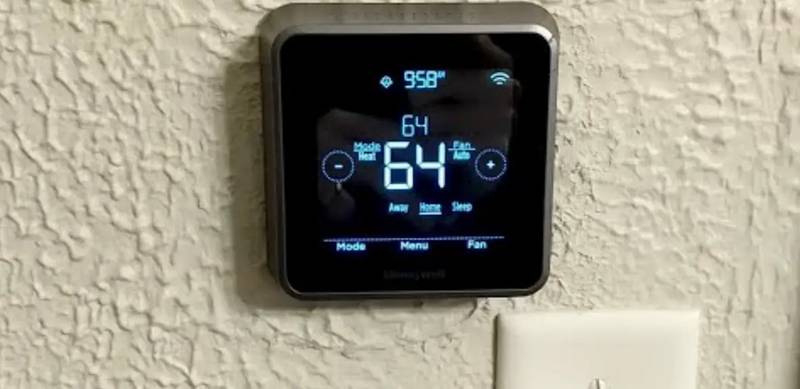
Honeywell Home RTH Series T5 Smart Thermostat Installation Guide

STELPRO STE302NP Single Programming Electronic Thermostat User Guide

HIVE 852031 Mini Wireless Heating Smart Thermostat Instructions

ENGO CONTROLS ESIMPLE230W Non-Programmable Wired Thermostat User Guide

homematic IP TRV-E-A Monday Radiator Thermostat Instruction Manual

Honeywell T4 Lockout Change Thermostat User Manual

EPH CONTROLS eTRV-HW Smart Hot Water Thermostat Instruction Manual

hansgrohe AXOR UNO2 Concealed Thermostat with Shut Off Valve Instruction Manual