
KINGHOME WK-010WD1 Smart Thermostat Owner’s Manual


Thermostat
(4) Error query
When the indoor unit occurs error, the error icon "
the icon to view the detailed error information.
" will appear. You can click
Figure 5.2 Error Query Page
5.2 Weekly Schedule Page
On the homepage, click the "Weekly Schedule" button to enter the weekly
schedule page and set the weekly schedule function. You can set four weekly
schedule modes, such as "Wake", "Leave", "Return" or "Sleep". Using this function
will help the user save on energy bills.
Figure 5.3 Weekly Schedule Page
6

| General | Details |
|---|---|
| Name | KINGHOME WK-010WD1 Smart Thermostat Owner’s Manual |
| Make | KINGHOME |
| Language | English |
| Filetype | PDF (Download) |
| File size | 0.35 MB |
 (1 votes, average: 5.00 out of 5)
 Loading...

KINGHOME WK-010WC1 Smart Thermostat Owner’s Manual


MAPEI 2855201 Dual-voltage Radiant Mapeheat Programmable Thermostat Owner’s Manual

ZoneFirst Invis-A-Stat Smart Light Switch Thermostat User Guide

Honeywell Home T6 Pro Smart Programmable Thermostat User Guide

Danfoss Icon2 24V RT Room Thermostat Installation Guide

micro-Air EasyTouch RV 351 Thermostat User Manual

Hotwire Heating HWGL2 Dual Device Thermostat Instruction Manual

TR33 Large LCD Screen Smart Thermostat Instruction Manual

EPH CONTROLS RDTP-24 24V Recessed Room Thermostat Instruction Manual
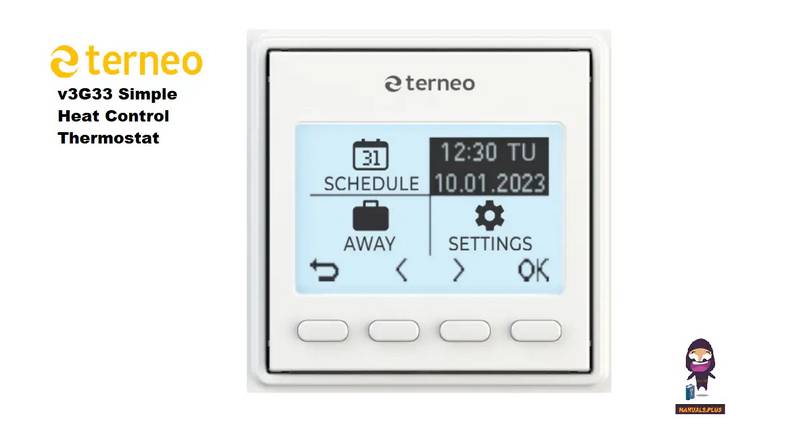
terneo v3G33 Simple Heat Control Thermostat Instruction Manual

ZigBee BAC-3000 Series Thermostat User Guide