
Home > ideal HEATING > ideal HEATING HALO LITE Room Thermostat User Guide
ideal HEATING HALO LITE Room Thermostat User Guide


Turn the dial to adjust the target
temperature temporarily (this
could be up or down).
OVERRIDE
If you are running a schedule
with pre-set times (Auto mode)
and you want to adjust the
temperature of your heating
temporarily, simply turn the dial
to your desired temperature.
A pop up menu will appear
for you to select how long
you would like to change the
temperature for, turn and push
the dial to make your selection.
Turn the dial to select how
long you would like the target
temperature altered for. You
can select either until the next
change in heating temperature
is scheduled or a number of
hours.
TOP TIP
You could use this feature
if you want to boost
your heating to a higher
temperature for a period of
time. Maybe you’re feeling
chilly or it’s the weekend
and you’re staying up later
than when your heating is
scheduled.
Push the dial or press the right
button to confirm your selection.

| General | Details |
|---|---|
| Name | ideal HEATING HALO LITE Room Thermostat User Guide |
| Make | ideal HEATING |
| Language | English |
| Filetype | PDF (Download) |
| File size | 1.38 MB |
 (1 votes, average: 5.00 out of 5)
 Loading...

ideal HEATING Halo Combi RF Wireless Boiler Thermostat User Guide

ideal HEATING Halo Lite RF Combi Wi-Fi Wireless Boiler Thermostat Instructions


Google Nest Learning Thermostat (4th gen) Installation Guide

Google Nest Learning Thermostat Installation Guide

PRO1 T751i Thermostat Installation Guide

DELTA DORE Tybox 2300 Wireless Thermostat User Guide

tecnoswitch 60730-1 Electronic Recessed Thermostat User Guide

EPH CONTROLS CP4 Programmable RF Thermostat User Manual

tecnoswitch TE300ME Mechanical Thermostat User Guide
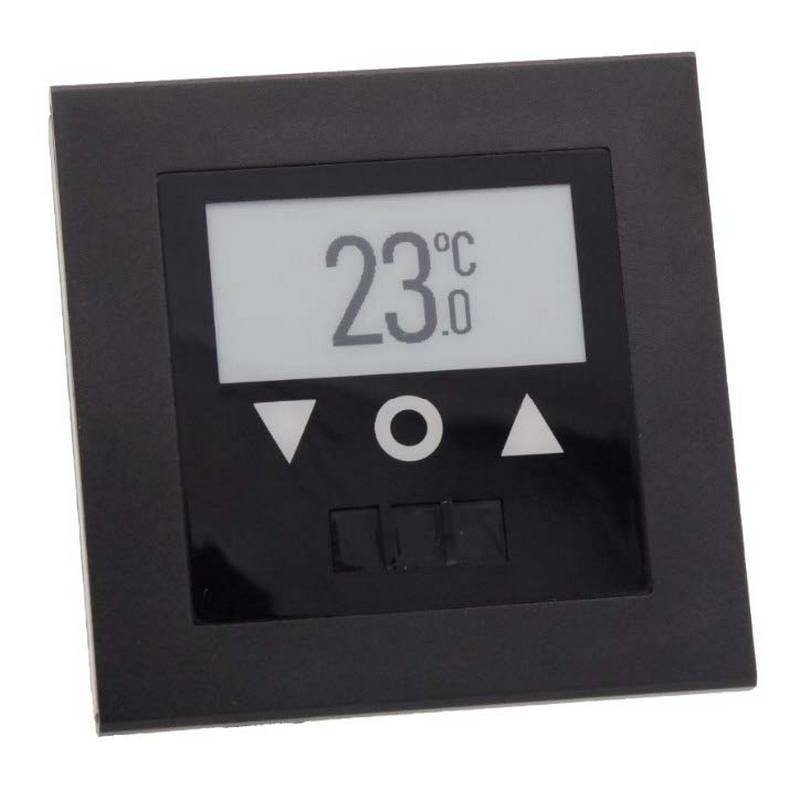
AuVerte SC801 SpiritCatcher Thermostat Owner’s Manual

NT NetX X5N-SM Thermostat Installation Guide

Drayton Wiser Smart Room Thermostat Instruction Manual