
Google Nest Learning Thermostat Installation Guide







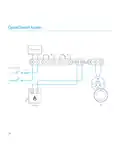





Installing it on the stand
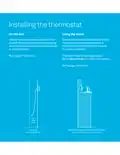
7. Install the Nest Stand
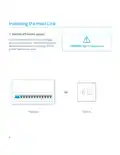
IMPORTANT: Make sure that you
install the Heat Link before
you install the Nest Thermostat.
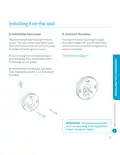
Attach the thermostat base to the stand
according to the instructions that came
with it. Connect the power cable to the
base and plug it into a wall socket.
Stand-mounted thermostats should be
placed on a table or shelf 0.75–1 m above
the floor and no further than 1 m from
the edge.
NOTE: The Nest Stand is sold separately
and comes with its own installation
instructions. Go to nest.com/eu/stand
for more information.
14

| General | Details |
|---|---|
| Name | Google Nest Learning Thermostat Installation Guide |
| Make | |
| Language | English |
| Filetype | PDF (Download) |
| File size | 0.3 MB |
 (1 votes, average: 5.00 out of 5)
 Loading...

Google G953-01573-01-A Nest 4th Gen Smart Wi-Fi Thermostat Owner’s Manual


GENERAL HT300S Wired Room Thermostat User Guide

Danfoss RET-MD Electronic Intelligent Dial Setting Thermostat Installation Guide

TFC Group WFSTAT Wi-Fi Thermostat Instructions

HITACHI ATW-RTU-11 Wireless Thermostat Instruction Manual

Aprilaire 8570 Premium Programmable Thermostat Instruction Manual

PRO T755 Universal Thermostat Installation Guide

Danfoss RMT-230 Room Thermostat Installation Guide

Fudajo 52429 Chick Heating Plate with Thermostat Instruction Manual

AuVerte C504 Ondur Elegant Temperature Control Thermostat Installation Guide

GENERAL LIFE FC220 Digital Fan Coil Thermostat User Manual