
Beca BAC-7000 Smart Knob Thermostat User Guide


TECHNICAL DATA
Power Supply:95 ~240 VAC, 50~60Hz or 24V DC/AC, 50~60Hz
Please check the information laser printed on the back of the
thermostat for the actual voltage.
OPERATION
During Power On
WIRING
BAC-7000 Smart Knob Thermostat
Please check the information laser printed on the back of the
thermostat for the actual voltage.
WIFI Type
Electrical Shock or Equipment Damage
Hazard. Can shock individuals orshort
equipment circuitry.
1. Press the home screen to enter the control interface.
2. Rotate the control interface to select
3. Press the control interface to confirm
Fan Relay Amps Resistance: 5A; Inductive: 3A
Valve Relay Amps Resistance: 3A; Inductive: 1A
Sensor: NTC3950, 10K
CAUTION
Disconnect power supply before installation.
4. Long press the control interface to return the home screen
1. Power
Set Temp. Range: 5 -35 ℃
Accuracy: ±0.5 ℃
Dispaly Temp. Range: 5 ~ 99℃
Ambient Temp.:0~45 ℃
Ambient Humidity: 5 ~ 95 % RH (Non Condensing)
ON: The thermostat is controlling the heating device.
OFF: The thermostat stops controlling the heating device.
2. Clock
HOME SCREEN QUICK REFERENCE
Clock setting, the wifi version will automatically synchronize
the local time after networking.
Storage Temp.:0~ 45℃
Power Consumption: <1.5W
Timing Error: < 1%
Shell Material: PC +ABS ( Fireproof)
3. Brightness
Installation Box: 86 * 86mm Square or European 60mm Round
BoxWire Terminals: Wire 2 X 1.5 mm² or 1 x2.5 mm²
Protection Class: IP20
Weather
Standby screen brightness setting. When it is set to 0, the screen will
be off after 10s of no operation without displaying anything, and the
screen will be woken up by rotating the knob.
Buttons: Capactive Touch Buttons
New heating thermostat with knob BAC-7000
Six characteristics on the design
60.0
INSTALLATION
Your thermostat is suitable for istallation within a standard 86mm pattress
box or European 60mm pattress box.
4. WiFi
System mode
Fan
ON: The thermostat is in the wifi distribution network state.
OFF: The thermostat is not in the wifi distribution network state.
DIMENSION: (mm)
℃
44%
*1.32 inch circular and 240*240 TFT shows your artistic taste.
*Superfine aluminum side knob lets your fingers feel delicate.
Outdoor Humidity
Step 1. Keep power off. See Fig 1.
Step 2. Remove the mounting plate by pushing the display assembly. See Fig 2.
5. Fan speed
Auto: After selecting Auto , the main screen displays the
Low: After selecting Low , the main screen displays the
Med: After selecting Med , the main screen displays the
High: After selecting High, the main screen displays the
.
Room Temp.
Heating/Cooling on
Mode
28.
5
.
*Above 6H tempered glass keeps your screen away from
scratches.
.
.
1
Week
24:44
WiFi
86.0
*Agile push button gives you an excellent experience.
*Seven colors ambient light increase color to your life.
46.2±0.3
6. System mode
Heating: After selecting Heating , the main screen displays the
Cooling: After selecting Cooling , the main screen displays the
Ventilation: After selecting Ventilation , the main screen displays
.
.
32.4(显示区)
Clock
*Variety brushed back panel options are suitable for different
home styles.
the
.
Note: The weather and humidity will be synchronized within 1 hour after the
device is connected to the Internet for the first time, and the weather
will be synchronized every hour thereafter.
Step 3. Connect power supply, load into the appropriate terminals.
(see "Wiring your thermostat" for details).
Step 4. Fix the mounting plate into the wall with screws inthe box(Fig 4).
27.0
16.7
In the mode of Ventilation, the valve is off but the fan runs.
ABOUT YOUR THERMOSTATS
7. Mode
Manual Mode
240RGB*240
1.3// TFT
The BAC-7000 range has been developed to control electric
underfloor, water heating or water/ gas boiler systems. These units
are designed for use in commercial, industrial, civil and domestic
properties
Programming mode (Schedule mode.)
Main control interface
8. Set temp.
Set temperature range 5~35℃
Set week program on your App
Default settings for program schedule
Power
Clock
Set temp.
Mode
Fig 3
Fig 4
MODEL DEFINITION
WEEKDAY (MONDAY一FRIDAY)
(1 2 3 4 5 shows on screen)
WEEKEND (SATURDAY)
(6 shows on screen)
WEEKEND (SUNDAY)
(7 shows on screen)
Time display
Knob
A: Two pipe; Control Fan Coil Unit and Two Wired Motorized Valve
E: Four pipe; Control Fan Coil Unit and Two Wired Heat Valve
and Two Wired Cool Valve.
Step 5. Fix the thermostat body and the mounting plate by the
lower button(Fig 5).
Step 6. Installation complete(Fig 6).
TIME
TEMPERATURE
20 ℃
TIME
TEMPERATURE
TIME
TEMPERATURE
Period 1
Period 2
06:00
08:00
11:30
13:30
17:00
06:00
08:00
11:30
13:30
17:00
20 ℃
20 ℃
20 ℃
20 ℃
20 ℃
06:00
08:00
11:30
13:30
17:00
22:00
20 ℃
20 ℃
20 ℃
20 ℃
20 ℃
15 ℃
BEFORE WIRING AND INSTALLING
Brightness
WiFi
System mode
Fan speed
W : Wifi connection
Period 3
Period 4
Period 5(1+2)
15 ℃
15 ℃
22 ℃
1. Read these instructions carefully. Failure to follow them could damage
the product or cause a hazardous condition.
22:00
Period 6(3+4)
15 ℃
15 ℃
15 ℃
22:00
2. Check the rathings given in the instructions and on the product to
make sure the product is suitable for your application.
3. Installer must be a trained, experienced service technician.
4. After installation is complete, check out product operation as provided
in these instructions.
In the box you will find
Thermostat
User Guide
QC Passed
1pc
1pc
1pc
Screws
Wall plate
2pc
1pc
A separate schedule may be set for weekdays (Mon – Fri) and
for weekends (Sat or Sun).
Fig 6
Fig 5
Tip: Press the screen to enter the Main control interface.


| General | Details |
|---|---|
| Name | Beca BAC-7000 Smart Knob Thermostat User Guide |
| Make | BECA |
| Language | English |
| Filetype | PDF (Download) |
| File size | 0.75 MB |
 (1 votes, average: 5.00 out of 5)
 Loading...

Beca BHT-9000 Thermostat User Guide

beca BAC-005 Series Thermostat User Guide

Beca BHT-6000 Series Round Thermostat User Guide

Beca BAC-1000 Series WiFi Thermostat User Guide

Beca BHT-002 Electric Heating Wifi Thermostat User Guide

Beca BHT-008 Heating Thermostat User Guide

Beca BHT-7000 Smart Knob Thermostat User Manual

Beca BAC-006 Zigbee Thermostat User Guide

Beca BHT-006 Series Thermostat User Manual

Beca BHP-8000 C Room Thermostat User Guide

BECA BAC-7000 Manual: Questions and Answers
BECA BAC-7000 specifications
| Power supply | 95 ~240 VAC, 50~60Hz or 24V DC/AC, 50~60Hz |
| Setpoint range | 5 -35 ℃ |
| Accuracy | ±0.5 ℃ |
| Sensor | NTC3950, 10K |
| Operating temperature | 0~45 ℃ |
| Storage temperature | 0~ 45℃ |
| Humidity | 5 ~ 95 % RH (Non Condensing) |
| IP rating | IP20 |
| Power consumption | <1.5W |
How do I install BECA BAC-7000 into the wall?
Mount the thermostat into a standard 86mm or European 60mm pattress box.
- Keep power off during installation
- Remove the mounting plate by pushing the display assembly
- Connect power supply to the appropriate terminals
- Fix the mounting plate into the wall with the supplied screws
- Attach the thermostat body to the mounting plate using the lower button
- Installation is complete User Guide, p. 1
Can BECA BAC-7000 work with both heating and cooling systems?
Yes. Model A controls a fan coil unit and two motorized valves for heating. Model E controls a fan coil unit with separate heating and cooling valves. User Guide, p. 1
How do I know BECA BAC-7000 is connected to WiFi?
Check the WiFi indicator on the home screen. It shows ON when the thermostat is in the wifi distribution network state. User Guide, p. 1
BECA BAC-7000 compared with other BECA thermostats
| Specification | BECA BAC-7000 | BECA BHP-8000 C | BECA BHT-7000 | BECA BHT-006 |
|---|---|---|---|---|
| Sensor | NTC3950, 10K | NTC3950, 10K | NTC3950, 10K | NTC3950, 10K |
| Operating temperature | 0~45 ℃ | 32~113 ℉ (0~45℃) | 0~ 45°C | 0~ 45°C |
| Storage temperature | 0~ 45℃ | 23~113℉ (-5~45℃) | -10~ 45°C | -10~ 45°C |
| Humidity | 5 ~ 95 % RH (Non Condensing) | 5~95%RH(Non Condensing) | 5 ~ 95 % RH (Non Condensing) | 5 ~ 95 % RH (Non Condensing)CAUTION |
| IP rating | IP20 | IP20 | IP20 | IP20 |
| Power consumption | <1.5W | <1.5W | <1. 5W | <1. 5W |
More BECA thermostat manuals

homematic IP HmIP-WTH-B-2 Wall Thermostat Installation Guide

BEOK TDS23 Wifi Thermostat Owner’s Manual

WarmlyYours TH115-AF-GA-08 SmartStat TH115 Series Thermostat Instruction Manual

hansgrohe AXOR STARCK X Concealed Thermostat with Shut Off Valve Instruction Manual

EONEBATW-B ZigBee Smart Thermostat User Guide

Chytre Vypinace HC-T020-EWF Series Wireless Thermostat User Manual

GENERAL 250 Smart Room Thermostat User Manual

STEGO Type STO-STS 011 Mechanical Thermostat Instruction Manual

SIEMENS RDZ100ZB Zigbee Room Thermostat Owner’s Manual
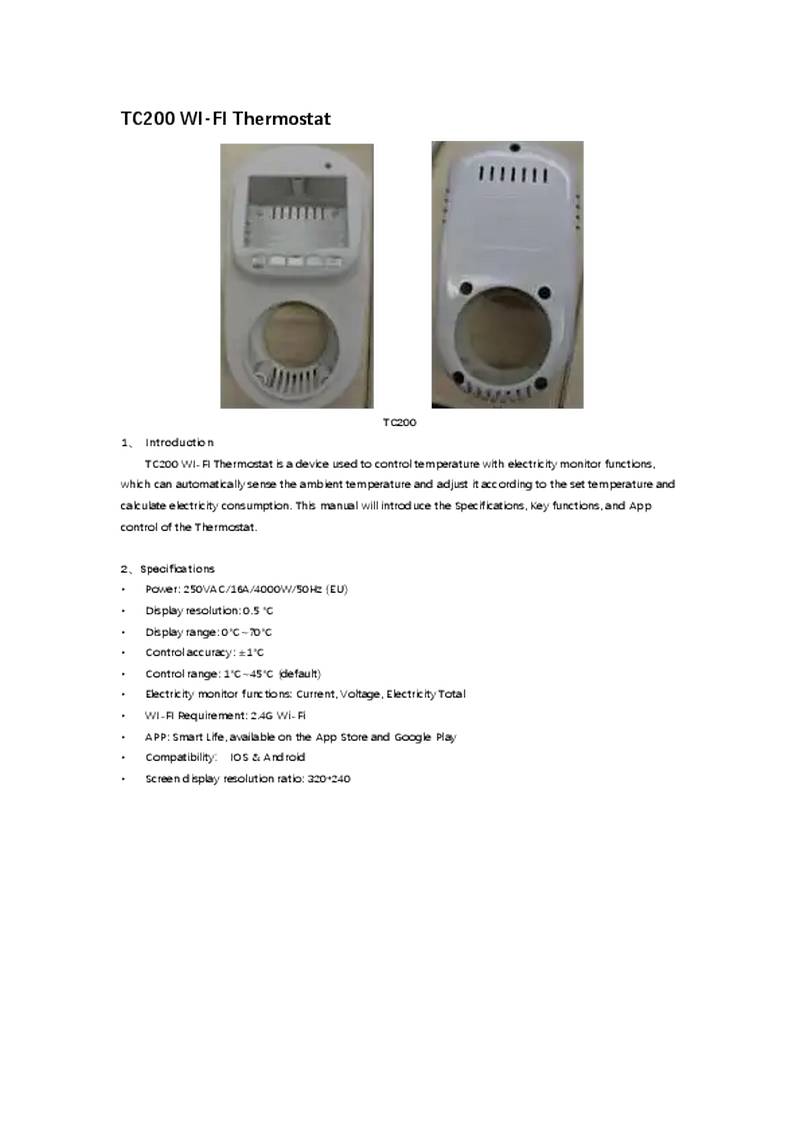
NINGBO TC200 Smart WI-FI Thermostat Owner’s Manual