
75F HyperStat All In one Commercial Thermostat User Manual


75F® HyperSta
Give your occupants the power of IAQ management and localized
temperature control with 75F’s HyperStat, an all-in-one thermostat
and humidistat thoughtfully crafted to support healthy, comfortable
spaces. Each stat has up to eight on-board sensors for a complete
picture of IAQ in your zone and has control capabilities for three-
stage equipment to fine-tune sequences for optimal building health
The HyperStat works out of the box with the 75F intelligent building
solution. Replacing non-connected thermostats with the HyperStat’
cloud-enabled capabilities is as easy as swapping out the wires. The
sleek, contemporary design will look right at home in any space.
ADDITIONAL FEATURES
• Over-the-air firmware updates.
OVERVIEW
The 75F HyperStat is an all-in-one IAQ sensing station,
thermostat and humidistat. It brings HVAC equipment
online for secure remote management from any
smartphone or connected device. Occupants can make
temperature adjustments within predefined limits from a
touch slider, TFT LCD screen, or buttons.
• Sensor bus for power and communication
• Commissions and communicates with the Central
Control Unit in just minutes with Bluetooth pairing
EQUIPMENT CONTROL
This device supports the WELL Building standard for
healthy buildings and tracks occupancy, temperature,
dedicated CO2, humidity, light, sound, and optional VOC
and particulate matter measurements every 60 seconds.
Supports staging of cooling, heating or fan (up to 3
stages) or fully modulating:
• Rooftop Units
• 2-Pipe Fan Coil Units
• Water Source Heat Pumps
• Unit
• Induction Units
• PTA
KEY FEATURES
• Built-in sequences for occupancy detection mean your
HyperStat prioritizes health and comfort when it matters
most and saves valuable energy when spaces are empty.
• Pre-loaded equipment profiles allow for interfacing to a
wide variety of staged and fully modulating equipment.
• Facility directors have real-time access to sensor data
and remote control over building parameters through the
HyperStat’s integration with Facilisight, 75F’s building
intelligence suite of web and mobile apps.
INC
(1) HyperStat
• Auto Away and Auto Forced Occupied settings override
building schedules to save energy with setback modes in
unoccupied spaces and enhance comfort by conditioning
zones that become occupied during unoccupied hours.
(2) Mounting screws
1800 121 4575 | enquiries@75f.io
|
HyperStat_0624
2

| General | Details |
|---|---|
| Name | 75F HyperStat All In one Commercial Thermostat User Manual |
| Make | 75F |
| Language | English |
| Filetype | PDF (Download) |
| File size | 0.16 MB |
 (1 votes, average: 5.00 out of 5)
 Loading...


Comfortmaker TSTATIIEWF-01 Ion Gray Smart Thermostat Owner’s Manual

IHAVC CONTROLS T-32-P Universal Thermostat Instruction Manual

telethings TELESWITCH – 2L Smart LoRaWAN Thermostat User Manual

MYSAir Roma Monochrome Backlit Touch Thermostat User Manual

VIMAR 02971 Smart Automation Rotary Dial Thermostat Instruction Manual

GENERAL LIFE MITRA-261S Smart Room Thermostat User Manual

micro-air EasyTouch RV 356 True Air RV Thermostat User Manual

Danfoss CET2000B-RF + RX1-S + CS2 Thermostat User Guide
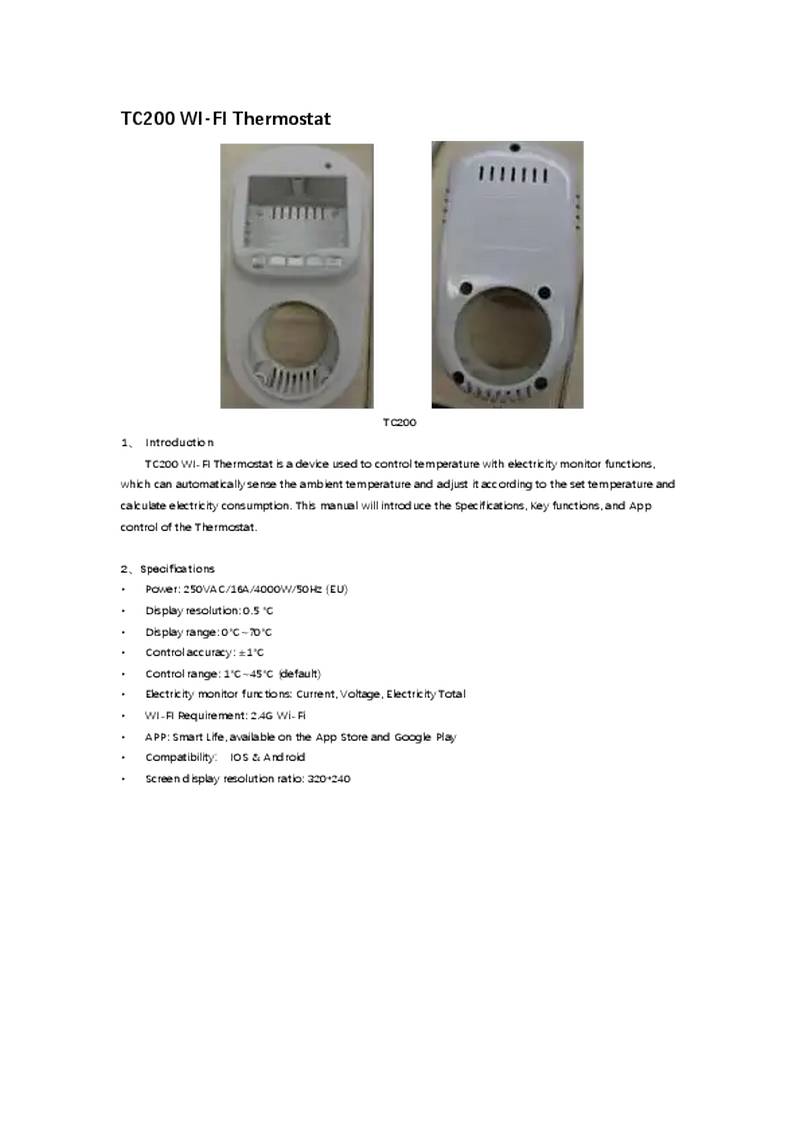
NINGBO TC200 Smart WI-FI Thermostat Owner’s Manual

SKYTECH 5320P Programmable Thermostat Fireplace Remote Control Instruction Manual