
Braeburn Programmable Touchscreen Thermostat User Manual


Setting the FAN Control Mode
The Fan Control has 4 modes of operation – AUTO, ON, CIRC and PROG. The mode can be selected by touching
the FAN TouchPad to scroll through the different modes.
NOTE: Depending on how your thermostat was configured, some fan modes may not be available.
AUTO The system fan will run only when your heating or
cooling system is running.
ON
The system fan stays on.
CIRC The system fan will run intermittently to help circulate
air and provide more even temperature distribution when
the heating or cooling system is not active.
PROG The system fan will function in the AUTO or ON modes
depending on your program schedule.
User Manual
22

| General | Details |
|---|---|
| Name | Braeburn Programmable Touchscreen Thermostat User Manual |
| Make | Braeburn |
| Language | English |
| Filetype | PDF (Download) |
| File size | 0.87 MB |
 (1 votes, average: 5.00 out of 5)
 Loading...

Braeburn TH-BR22 Programmable Thermostat Instructions

Braeburn 8205 Universal Smart Wi-Fi Thermostat User Guide

Braeburn 8205-100-02 Universal Smart Wi-Fi Thermostat Instruction Manual

Braeburn 2030 Economy Model Thermostat User Manual

Braeburn 2030 Programmable Thermostat Instruction Manual

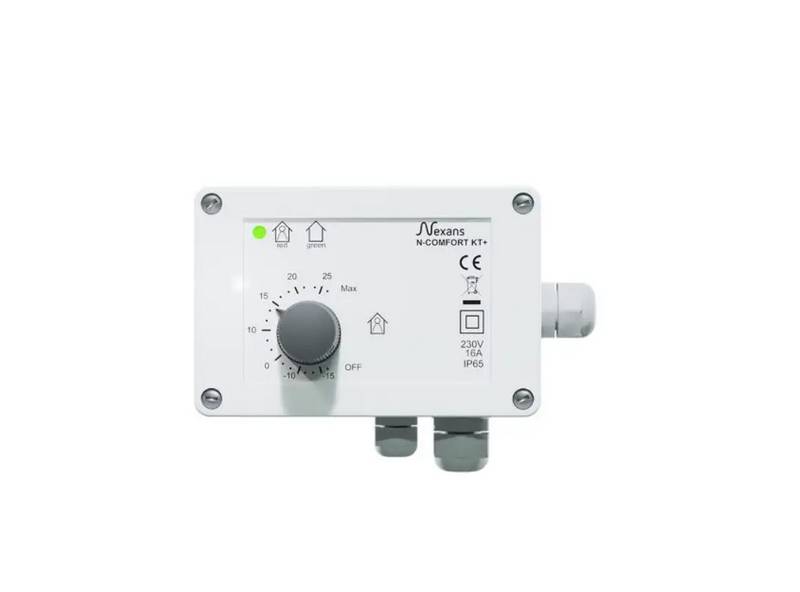
Nexans N-Comfort Kt+ Thermostat Instruction Manual

Danfoss RAE Radiator Thermostat Installation Guide

Danfoss ATF Clamp-On Pipe Mounting Frost Thermostat Installation Guide

Orbegozo FDR 65 Litres Adjustable Thermostat Instruction Manual

EUROLAMP HY06BW Digital Heating Smart Thermostat User Manual
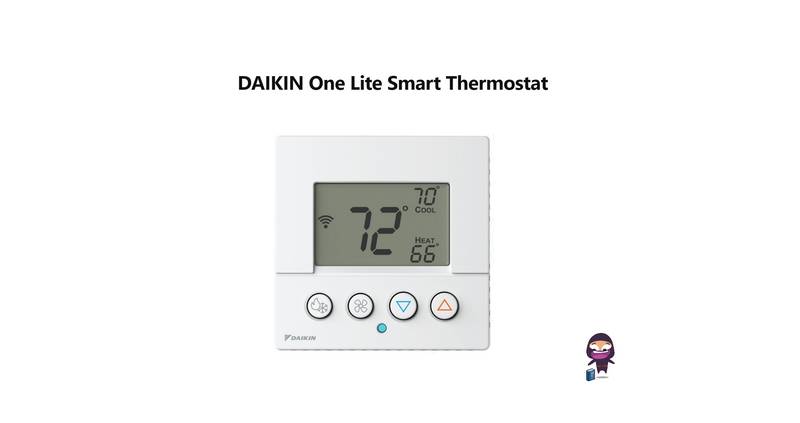
DAIKIN One Lite Smart Thermostat User Guide

GENERAL LIFE HT220 Digital Room Thermostat User Manual
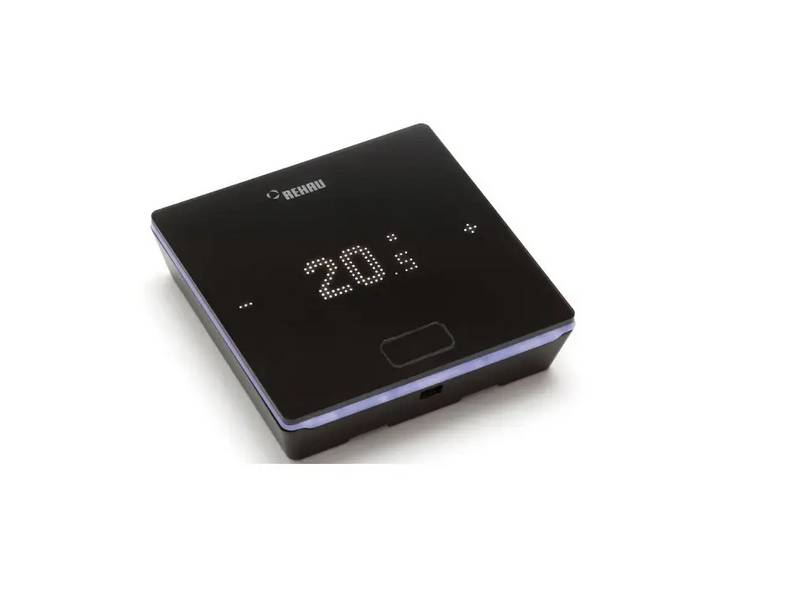
REHAU NEA SMART 2.0 Room Thermostat Installation Guide

Wengart TP808-S-2 Low Voltage Thermostat User Guide

SmartLife ZBHTR20WT Zigbee Radiator Thermostat Installation Guide