
BEOK TGR86 Smart Underfloor Heating Thermostat User Guide


TGR86 WIFI HEATING THERMOSTAT
VI. Model Spec
Current
Loading
Week
Program
Controlled Objects
For electric heating appliances
For water heating appliances
For gas boiler
16A
TGR86WIFI-EP
3A
3A
TGR86WIFI-WP
TGR86WIFI-WPB
I. Product Summary:
TGR86 WiFi Heating Thermostat is WiFi touch screen thermostat with
phone control. It is applied to temperature control of industrial,
commercial and domestic room, and start of control heating appliances,
especially floor heating systems. It can be controlled by phone. Phone
systems are IOS and Android system optional.
VII.Wiring Digram
II. Technical Parameter:
Power Supply
Current Load
100 ~ 240V
≤3A(water heating/gas boiler)
≤16A(electric heating)
Power Consumption
External Material
Sensing Element
Set Temp. Range
<1W
PC+ABS (flame retardant)
NTC
TGR86WIFI-EP
TGR86WIFI-WP
5-95℃
5-60℃
Floor Set Temp. Range
Accuracy
Dimension
±1℃
86x90x14mm
Ambient Temp.
Storage Temp.
Timing Error
0-45℃,5-95%RH(Non-condensing)
-5~55℃
<1%
III.Main Functions and Characteristics
1. WIFI for Android & Apple iOS
2. Large screen display and touch button
TGR86WIFI-WPB
3. Power-off memory function
4. Real-time data save function
5. 5+2 or 6+1or 7days six periods program schedule
6. Anti-freezing function
7. 3 sensor modes can be setting
8. Selectable 80mmx80mm European hidden box.
9. With child lock function
VIII. Thermostat Operation Instruction
1. Setting Power on/off
Press to turn on/off the power.
IV. User Interface Explanation
2. Setting Temperature
Press
to set the temperature.
3. Setting the Clock
Long press
and
for adjusting.
to set minute, hour and week.
Press
4. Setting the Manual Mode.
Manual mode means non-programmable mode.
Press
Press
then
will display in the screen, it is in manual mode.
to set the temperature.
V. User Interface Explanation(Phone Port)
5. Setting the Child Lock
Long press
Long press
to enter into child lock mode,
will display.
again, the child lock will be disappeared.
6. Setting the Programmable Mode.
Press and hold into programmable mode. 12345 and time will display.
12345 display in the position of week means 5+2;
Press
Press
Press
Press
Press
to change the time.
to do the temperature adjustment.
to change the temperature;
to do the next period adjustment.
to exit and save.
If you want to make temporary adjustment in any period,
press or , then
confirm automatically.
will display. When finish the setting, all will

| General | Details |
|---|---|
| Name | BEOK TGR86 Smart Underfloor Heating Thermostat User Guide |
| Make | BEOK |
| Language | English |
| Filetype | PDF (Download) |
| File size | 2.92 MB |
 (1 votes, average: 5.00 out of 5)
 Loading...

BEOK Color TFT-LCD Heating Thermostat User Manual

BEOK TDS21WIFI-AC Fan Coil Thermostat Instruction Manual

BEOK TGR85-EP Underfloor Heating Thermostat User Guide

BEOK TDR89 Zigbee Room Thermostat User Guide

BEOK BOT-R7X Wireless Gas Boiler Heating Thermostat Instruction Manual

BEOK TDS23 Wi-Fi Fan Coil Thermostat Instruction Manual

BEOK TGP53 China Piano Buttons Underfloor Heating Thermostat User Guide

beok TGW60 Thermostat User Guide

BEOK TS4 Series Wi-Fi Touch Screen Thermostat User Manual

BEOK TGP53 Wifi Thermostat User Guide

BEOK TGR86 Manual: Questions and Answers
BEOK TGR86 specifications
| Power supply | 100 ~ 240V |
| Floor temperature limit | 5-60℃ |
| Accuracy | ±1℃ |
| Sensor | NTC |
| Operating temperature | 0-45℃,5-95RH |
| Storage temperature | -5~55℃ |
| Dimensions | 86x90x14mm |
| Power consumption | <1W |
Why won't my BEOK TGR86 heating respond when I adjust the temperature?
The thermostat may be in child lock mode or a sensor error has stopped heating.
- Check if child lock icon appears on screen; long press the button to disable it
- If Err displays on the LCD screen, a sensor is faulty; select the correct sensor mode in advanced settings User Guide, p. 2
Can I use the BEOK TGR86 with both floor heating and room sensors at the same time?
Yes. In advanced settings, set the SEN option to ALL to use both the internal sensor and floor sensor together. User Guide, p. 2
BEOK TGR86 compared with other BEOK thermostats
| Specification | BEOK TGR86 | BEOK Color TFT-LCD Heating Thermostat | BEOK TCB38WIFI | BEOK TDS21WIFI-AC |
|---|---|---|---|---|
| Power supply | 100 ~ 240V | 200 ~ 240V 50 ~60Hz | 200 ~ 240V 50 ~60Hz | AC200~240V 50 ~60Hz |
| Accuracy | ±1℃ | ±0.5℃ | ±1℃ | ±1℃ |
| Sensor | NTC | NTC | NTC | NTC |
| Operating temperature | 0-45℃,5-95RH | 0-45℃,5-95RH | 0-45℃,5-95RH | 0-45℃,5-95RH |
| Storage temperature | -5~55℃ | -5~55℃ | -5~55℃ | -5~55℃ |
| Dimensions | 86x90x14mm | 86x86x13.3mm | 86x86x13.3mm | 86x86x13.3mm |
| Power consumption | <1W | <0.3W | <0.3W | <0.5W |
Other BEOK TGR86 manuals
More BEOK thermostat manuals

Danfoss RET230 Electronic Heat Cool Thermostat Instruction Manual

Honeywell TH8000 VisionPro WiFi Thermostat Instruction Manual
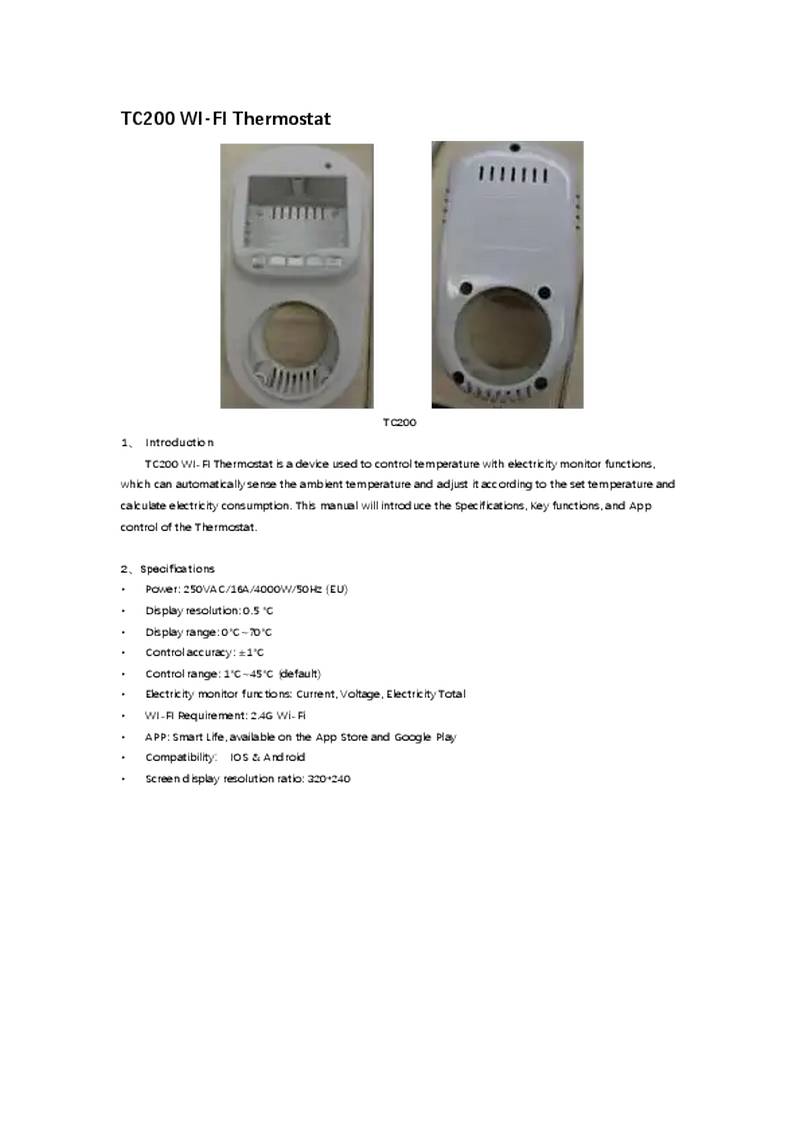
NINGBO TC200 Smart WI-FI Thermostat Owner’s Manual

ESi ESRTP4RFW Programmable Room Thermostat Installation Guide

Honeywell Home DT92E Wireless Room Thermostat User Manual

COPELAND P-N 810-1600 Programmable Touchscreen Thermostat User Guide

Fudajo 52429 Chick Heating Plate with Thermostat Instruction Manual

TRANE XR103 Non-Programmable Heat Pump Thermostat User Guide

Thermafloor HT1 Thermostat White App Electric Mat Thermostat User Guide

Beok TGW60B Programmable Smart Wi-Fi Thermostat User Guide