
RUUD EcoNet Smart Thermostat User Guide


The EcoNet Smart Thermostat offers:
Local Weather
Built-In WiFi
Get complete control at home or on-the-go1
View current conditions along with an extended forecast
to help you plan ahead and maximize efficiency3
Works With Alexa
Motion Sensor4
Ask Alexa to change the temperature so you
Walk up to wake up; sensor, if equipped,
automatically wakes the display as you
approach the thermostat
don’t have to2
One-Touch Energy
Savings Mode
Integrated Air and Water
Save energy by overriding your
programmed schedule with one touch
Gain complete control with the only smart thermostat
that can control your home’s air conditioning, heating
and EcoNet Enabled water heating equipment
Active Monitoring
Know when there’s a problem that needs
immediate attention
1WiFi broadband internet connection required. Download the EcoNet App from the App Store or Google Play to set up your
EcoNet Smart Thermostat. Receipt of notifications depend on home WiFi set up. 2When used with Amazon Echo or Echo Dot. Amazon,
Alexa and all related logos are trademarks of Amazon.com, Inc. or its affiliates. 3WiFi broadband internet connection required.
4Motion sensor may not be available on all units
3

| General | Details |
|---|---|
| Name | RUUD EcoNet Smart Thermostat User Guide |
| Make | RUUD |
| Language | English |
| Filetype | PDF (Download) |
| File size | 8 MB |
 (1 votes, average: 5.00 out of 5)
 Loading...


Pfannenberg DTS 3041 Thermostat Instructions

CORDIVARI Ardesia Electric Radiators with Digital Thermostat Instruction Manual

OJ ELECTRONICS UTN5 Non Programmable Touch Thermostat Instruction Manual
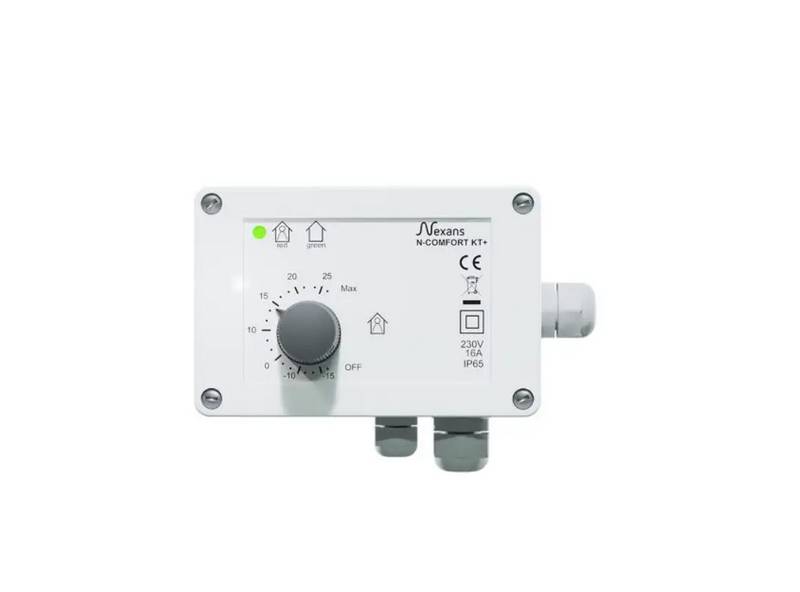
Nexans N-Comfort Kt+ Thermostat Instruction Manual

SIEMENS Powers Controls TH 192-3 Series Day Night Vent Room Thermostat Instruction Manual

Owon Technology PCT 523-W-TY Tuya WiFi 24VAC Thermostat User Guide

SALUS Fan Coil thermostat FC600 User Guide

Coleman 9420-381 Digital Wall Thermostat Instruction Manual

GE current WTS10 Daintree Wireless Thermostat Installation Guide

SALUS iT500 Internet Thermostat Installation Guide