
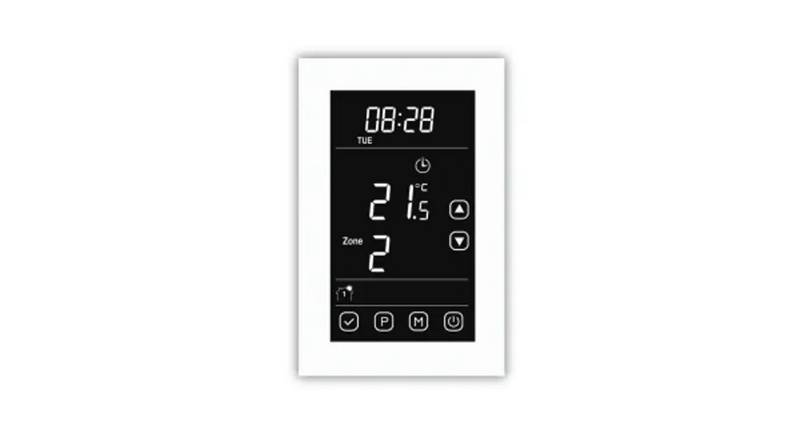
Lightwave DTS92E Honeywell Home Wireless Room Thermostat User Manual


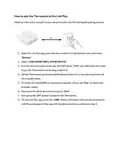
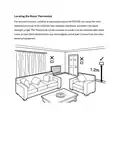

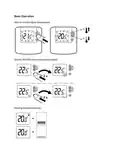


How to pair the Thermostat to the Link Plus :
Make sure the unit is around 1 meter away from the Link Plus during the pairing process:
1. Open the Link Plus app, press the plus symbol (+) in the bottom menu and select
“Devices”.
2. Select “LINK HONEYWELL HOME DEVICE”.
3. Give the device a name on the app, DO NOT press “LINK” yet, follow the next steps
to put the Thermostat into binding mode first.
4. On the Thermostat, press and hold the power button for 2 seconds to put the unit
into standby mode.
5. Press the UP and DOWN arrow buttons together till you see “Inst” on the screen
(Installer mode).
6. Now press the down arrow once to go to “C0nt”.
7. Now press the OFF (power) button on the Thermostat.
8. On the Link Plus app, press the “LINK” Button, the device will now be paired to the
Link Plus and appear in the app with the device name you entered in step 3.

| General | Details |
|---|---|
| Name | Lightwave DTS92E Honeywell Home Wireless Room Thermostat User Manual |
| Make | Lightwave |
| Language | English |
| Filetype | PDF (Download) |
| File size | 0.33 MB |
 (1 votes, average: 5.00 out of 5)
 Loading...

COLDBUSTER CB Dual Thermostat User Manual

resideo T3 Programmable Thermostat Installation Guide

EPH CONTROLS RFC RF Cylinder Thermostat Instruction Manual

uponor D Plus RH T-247 BUS Smatrix Base Thermostat Instruction Manual

VIESSMANN ViCare ZK05991 Wireless Thermostat Instruction Manual

LoRaWAN MC-LW-FCT-01 MClimate Fan Coil Thermostat User Manual

Daikin One Lite Smart Thermostat Instruction Manual

stelpro STZB402+ ELECTRONIC THERMOSTAT FOR THE SMART HOME User Guide

EPH CONTROLS CDC Digital Cylinder Thermostat Installation Guide

King K901-B Wifi Programmable Thermostat Instruction Manual