
Home > New Zealand > New Zealand Thermostat Underline Heating Kit User Guide
New Zealand Thermostat Underline Heating Kit User Guide


LOCK YOUR KEYPAD
To lock your keypad, press and hold the power on button for 5 seconds, you will see a
lock symbol (key displayed). To unlock, repeat the steps above and the lock symbol will
disappear. This is a great feature to use if you do not want anyone to change your
saved settings or to stop the kids playing with it.
RESET TO FACTORY SETTINGS
If you wish to reset your thermostat back to the factory settings follow the instructions
below. Turn your thermostat off, then press and hold the M icon for 5 seconds until you
see a Menu 11 appear, tap on the M icon until Menu 13 appears. In menu 13, press
and hold the down arrow button for 5 seconds. The thermostat has now reset back to
factory settings.
ADVANCED SETTINGS
To access the advanced settings menu switch off your thermostat.
Tap the M icon once.
01 of the advanced settings menu will now appear.
If you wish to adjust the settings in 01 use the Up and Down arrows.
Press the M icon to continue along the advanced setting menu i.e. 02,04,07,08,09,&
10 and adjust using the up and down arrows.
Press the TICK icon at any time to save your changes and exit out of the advanced
settings menu.

| General | Details |
|---|---|
| Name | New Zealand Thermostat Underline Heating Kit User Guide |
| Make | New Zealand |
| Language | English |
| Filetype | PDF (Download) |
| File size | 0.12 MB |
 (1 votes, average: 5.00 out of 5)
 Loading...


Honeywell Home T6 Pro Smart Programmable Thermostat User Guide

MYSON Unisenza Dial Thermostat User Manual

sinop TH1500ZB Smart Double Pole Thermostat User Guide

ZigBee WiFi Series Water Heating Thermostat User Guide

TPECO Control Systems 375EM Raintight Weather Resistant Single Stage Thermostat Instruction Manual

SALUS RT10 Electronic Room Thermostat Instruction Manual
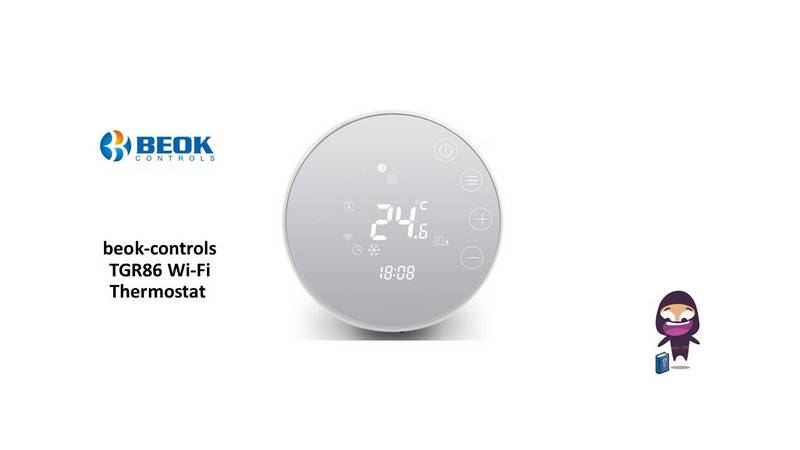
beok-controls TGR86 Wi-Fi Thermostat User Guide

fastwarm HM-01-16A Digital Programmable Thermostat Instruction Manual

Coleman 9420-381 Digital Wall Thermostat Instruction Manual

Gelia ip24 1.5m Cable With Stepless Thermostat Instruction Manual